 Download Now
App-limits
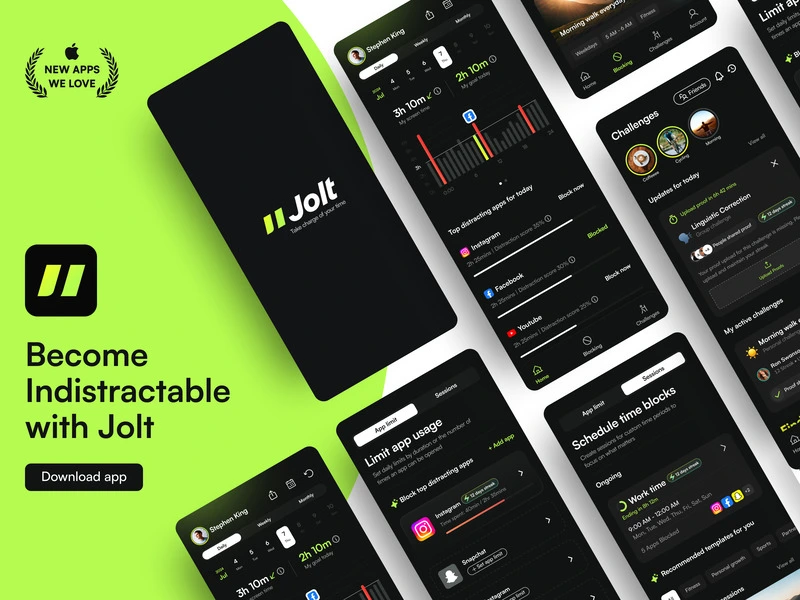
Set a daily limit on any app. When the time's up, it locks - no override, no exceptions.Check out appMaster apps, don’t let apps master you
Method backed by Neuro-Science
Neuroplasticity
Repeated friction rewires brain to associate app-checking with effort, not reward.
Pre-commitment
Automates decisions to reduce fatigue and temptation.
Ego Depletion Theory
Prevents ego depletion by conserving willpower through scheduled focus.
Implementation Intentions
Blocking in advance helps you effortlessly stick to your plan.
Benefits of the feature

Spot draining habits 5x faster with usage analytics

Regain 14 hrs/week for meaningful offline activities
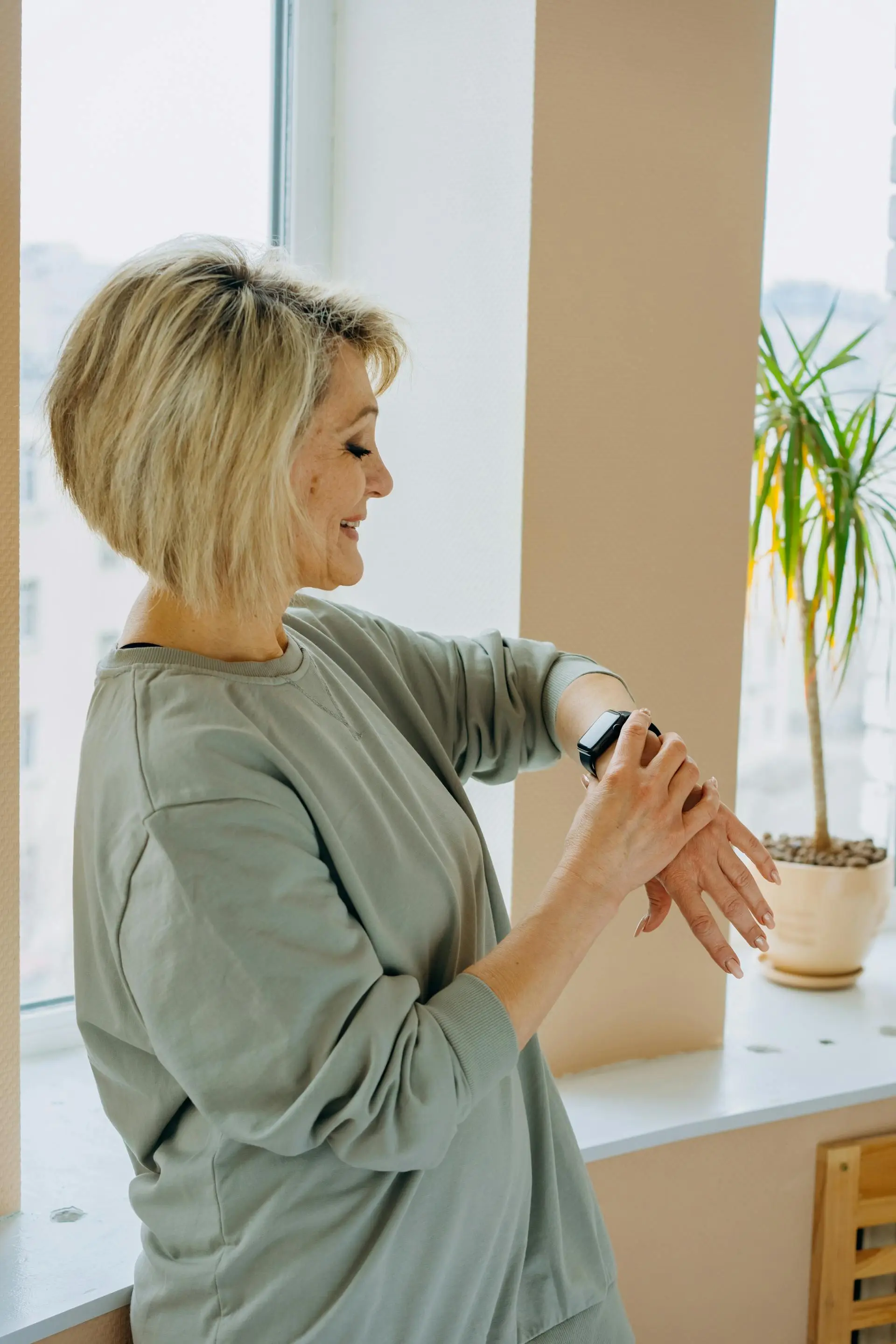
Feel 47% more present without app anxiety

Reduce overuse by 62% with duration limits and open limits
Frequently Asked Questions
What is App Limits in Jolt?
App Limits lets you set a daily time cap on any app. Once you hit your limit, Jolt locks the app for the rest of the day - no snooze button, no "remind me later." You can set a Duration Limit (total minutes per day) or an Open Limit (maximum number of times you can open an app). Both work automatically once set.
How is Jolt's App Limits different from iPhone Screen Time?
iPhone Screen Time lets you tap "Ignore Limit" with a single tap. Jolt's App Limits enforces a hard lock - there's no built-in override. Depending on your difficulty mode, bypassing requires a breathing pause, a mental challenge, or is blocked entirely in Hard Mode. It's the difference between a suggestion and a rule.
Can I set different limits for different apps?
Yes. Each app gets its own limit - you can cap Instagram at 20 minutes a day, set YouTube to 3 opens, and leave your maps app completely unrestricted. Limits are fully individual, not applied by category.
Does App Limits work during a Jolt Session?
Sessions and App Limits work together but serve different purposes. Sessions hard-block apps during a focused time window. App Limits cap total daily usage regardless of when you use them. For best results, use Sessions for deep work windows and App Limits as a daily ceiling on your most addictive apps.
Ready to take control?
Try now on JoltExplore features: Sessions · Sleep Mode · Blocking Modes · Special Rules
How to use App Limits
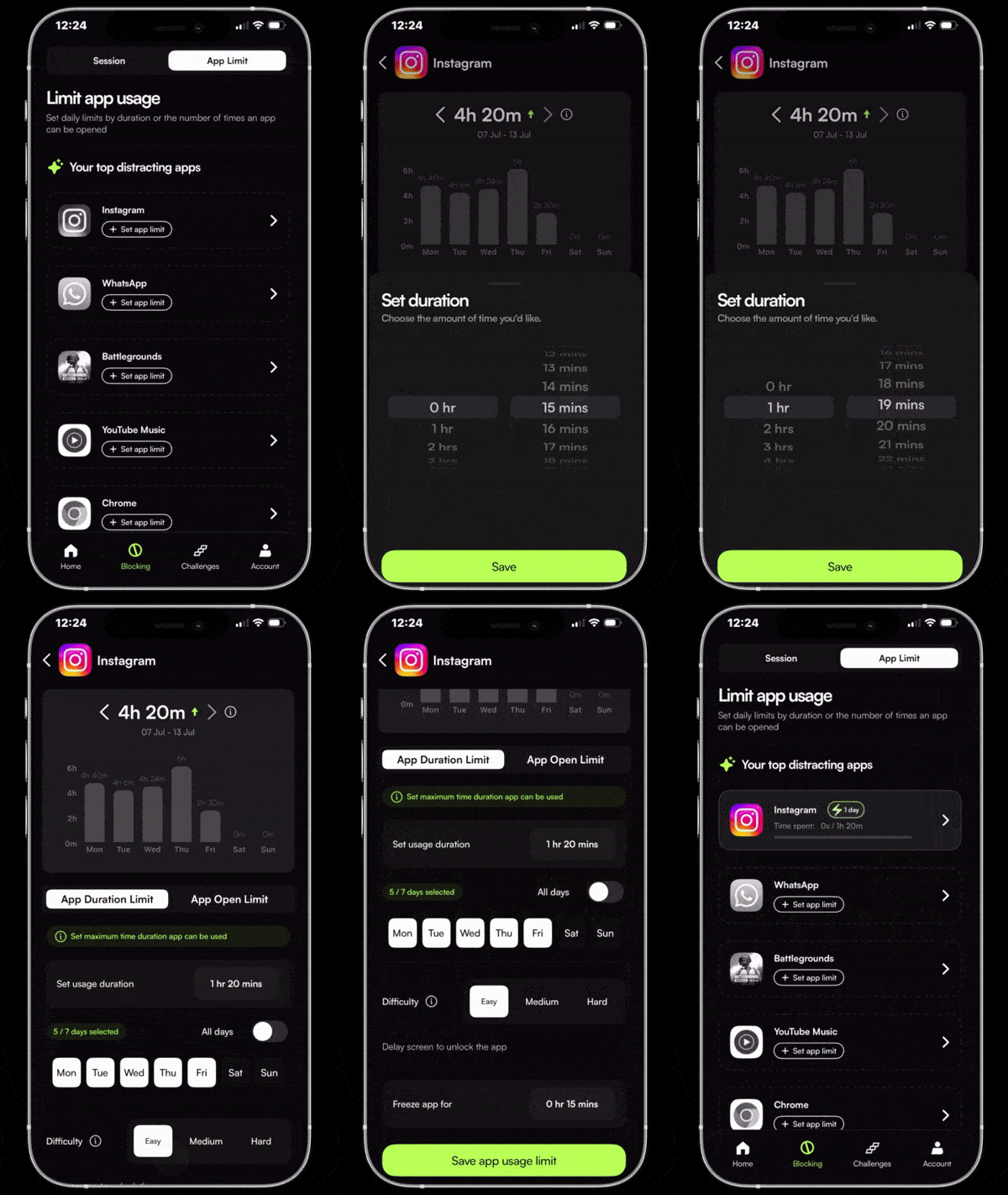
App Limits
Duration Limit
Set a daily time cap on any app. When the limit hits, the app locks. No snooze button. No "just five more minutes."
How to use App Limits
Duration Limit
Set a daily time cap on any app. When the limit hits, the app locks. No snooze button. No "just five more minutes."
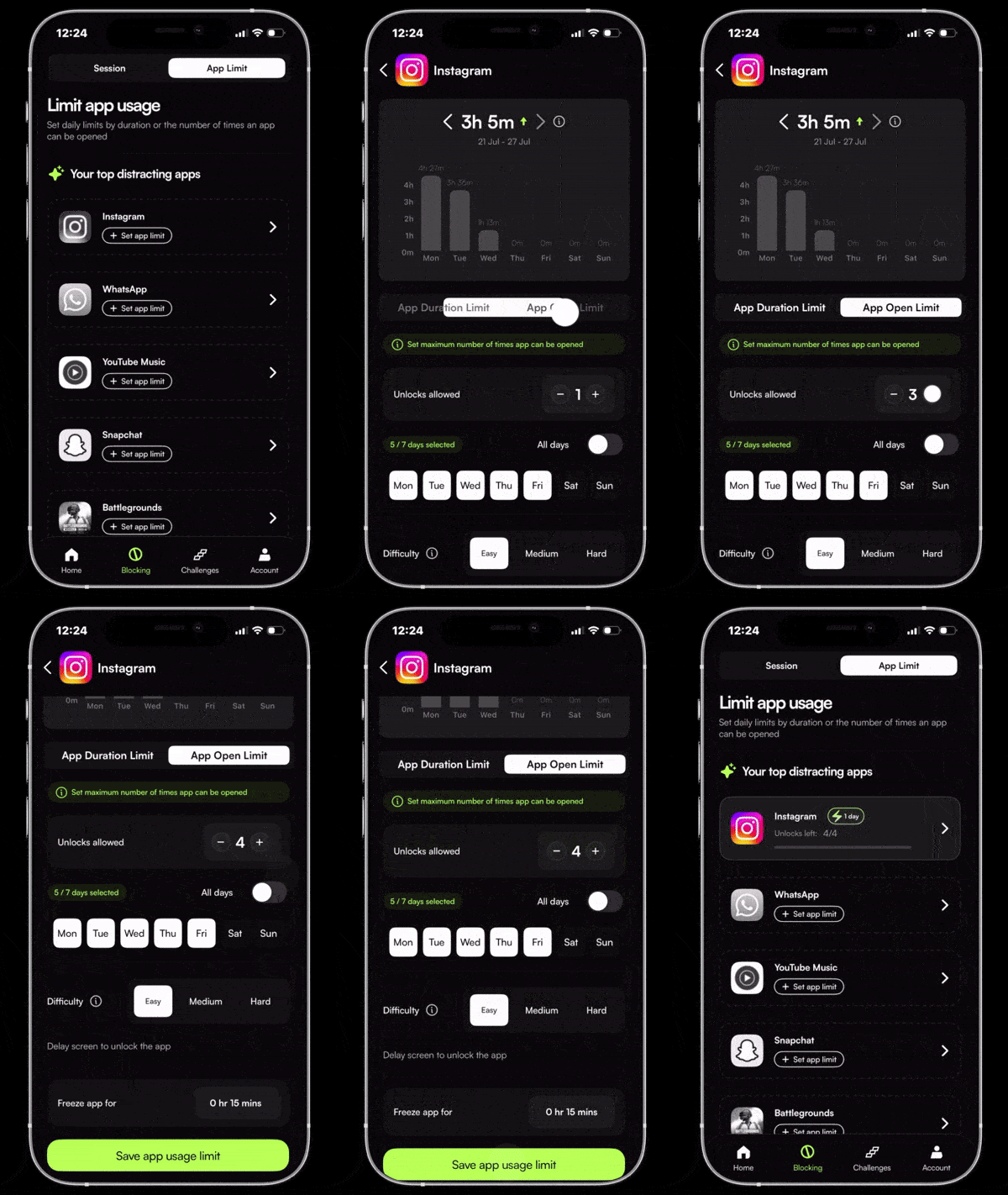
Open Limit
Not ready to set a hard cap? Open Limit tracks how many times you open an app each day - and locks it after a set number of opens. Counts the habit before breaking it. The only way through is your Accountability Partner.
As seen on





Your screen time won't fix itself.
Jolt blocks the apps, protects your sleep, and keeps you accountable. Free to start.
You set the rules. Jolt makes sure you keep them.
 Take charge of your time