Can Night Mode or Blue Light Filters Really Protect Your Sleep
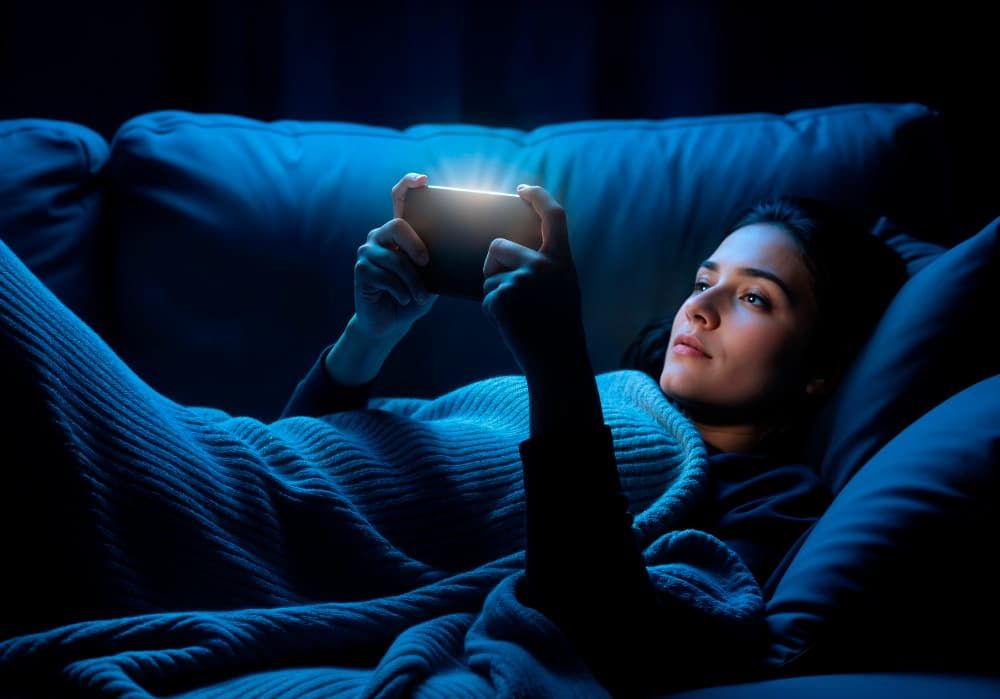
Phones, tablets, and laptops are part of our lives all day and often late into the night. To reduce eye strain and improve sleep, many devices now have night mode screen settings or blue light filters. These features promise to make screen time gentler on the eyes and less harmful to your sleep.
But do they actually work? Can changing the color of your screen really protect your sleep and help your body rest better? Let’s look at how these filters work, what research says, and how to use them properly on iOS/Android devices.
Check out the Jolt app
How Night Mode and Blue Light Filters Work
Screens give off bright white light that contains strong blue wavelengths. During the day, this light helps you stay alert and awake. But at night, blue light can interfere with the body’s sleep hormone, called melatonin.
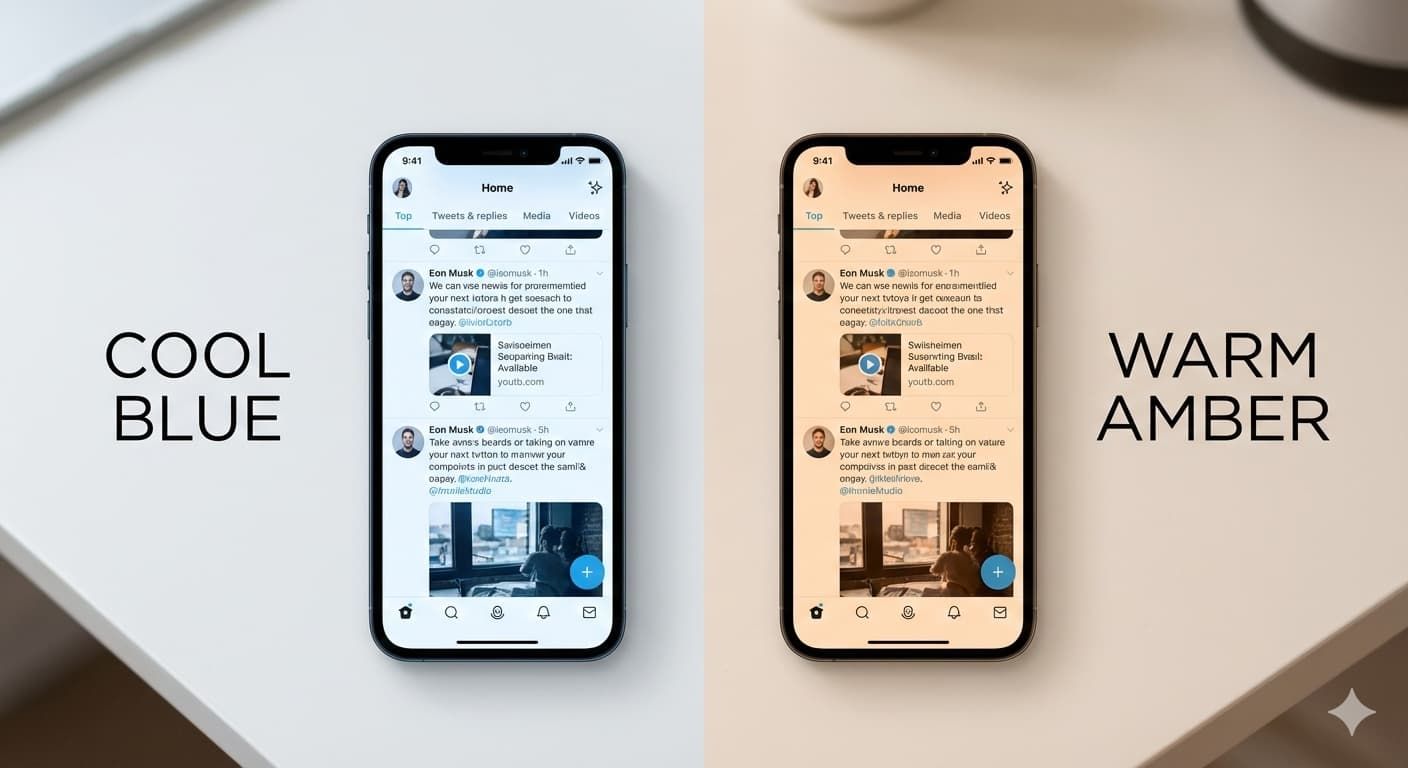
When you turn on night mode or use a blue light filter, your screen changes color from cool blue to warm yellow or orange tones. This reduces the amount of blue light reaching your eyes. It helps your body understand that it’s evening and time to slow down.
Here’s how it works:
- The screen becomes softer and less bright.
- The warmer light reduces eye strain.
- The brain receives fewer signals to stay awake.
Most devices include these tools automatically:
- iPhone (iOS): Night Shift
- Android phones: Night Light, Eye Comfort Shield, or Blue Light Filter (name depends on brand)
You can set these filters to turn on at sunset or at a fixed bedtime. The goal is simple to help your body prepare for rest and protect your circadian rhythm, which is your natural sleep-wake cycle.
Check out the Jolt app What Science Says About Blue Light and Sleep
Research over the past decade has shown that blue light exposure at night can affect melatonin levels and sleep quality. But scientists also say that filters alone are not always enough.
A study by
Harvard Medical School found that blue light at night suppressed melatonin twice as much as green light and shifted the circadian rhythm by about three hours. This means using bright screens late can make you feel awake long after you should be sleeping.
Another study from the
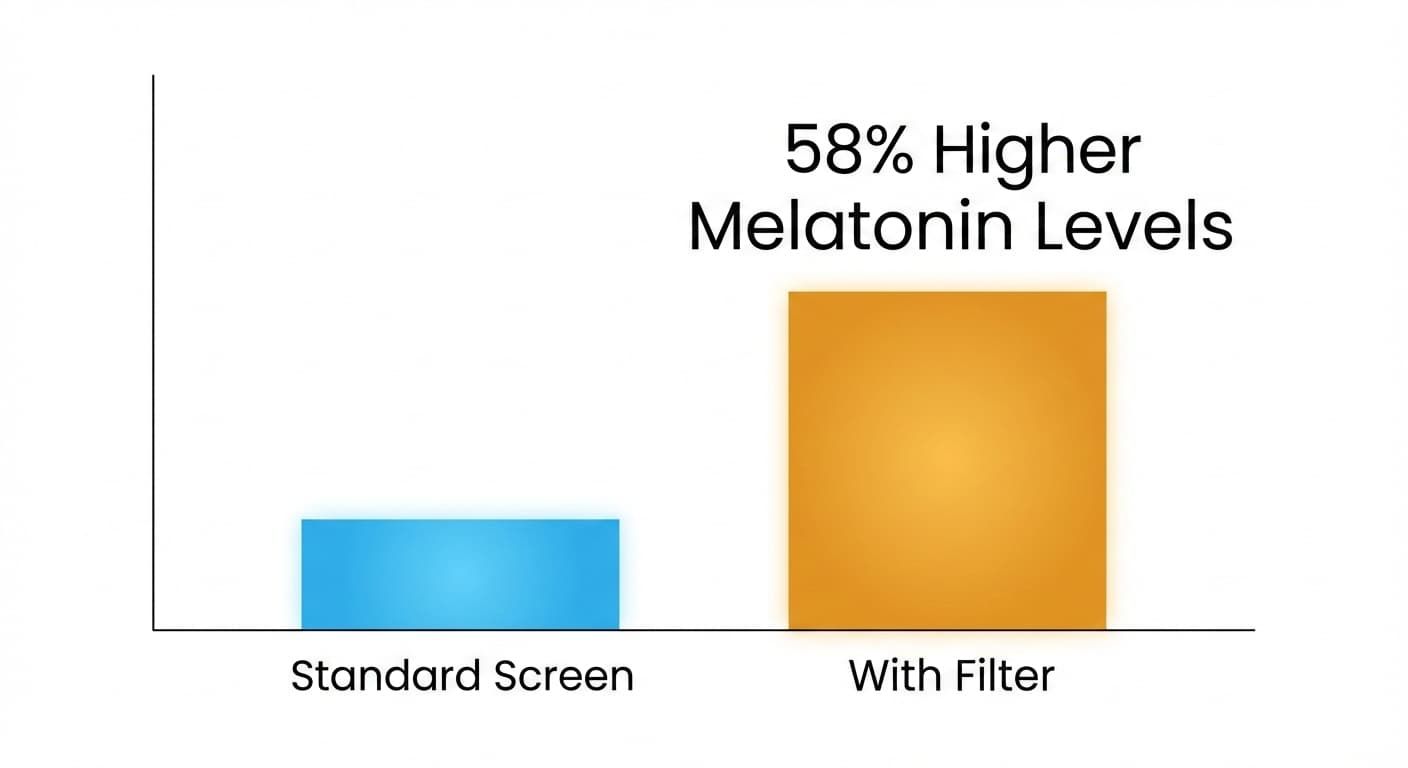
Cronobiology in Medicine found that people who used a blue light filter had 58% higher melatonin levels at night than those who didn’t. They fell asleep faster and reported better sleep quality.
However, not all results are positive. A
Research Gate tested iPhone users and found no major improvement in sleep quality when they used night mode but continued heavy phone use before bed.
This shows that filters help, but they cannot fix late-night habits. If you use your phone for hours at night, even with night mode on, your brain still stays active and sleep gets delayed.
When Blue Light Filters Help the Most
Night mode or blue light filters can be useful in many ways, especially when used correctly. They are most effective when:
- Screen time is short and light before bed.
- You keep screen brightness low.
- You use warm lighting in your room (instead of white LEDs).
- You avoid emotional or fast-paced content, such as movies or games.
- You follow a regular bedtime routine.
In these cases, filters help your brain relax by reducing blue light exposure. You may find it easier to feel sleepy at your normal bedtime.
Studies by
NIH also suggest that warm light improves comfort for the eyes. People who use blue light filters report less eye strain and less dryness at night, especially when reading or scrolling in dark rooms.
When Filters Don’t Work Well
Night mode settings are helpful but they are not magic. They don’t completely remove all blue light. And they cannot undo the effects of long screen use or stimulating content.
Filters may not help much if:
- You use screens for many hours late at night.
- You scroll through social media or watch videos in bed.
- You keep the brightness level very high.
- You check your phone in the middle of the night.
In these situations, your brain stays alert, and melatonin stays low no matter what color your screen is.
American College of Pediatricians agrees that the amount of screen time and content you view are just as important as the filter itself.
In other words, night mode can help but it works best with good habits, not alone.
Simple Tips to Use Night Mode the Right Way
Here are easy ways to make the most of night mode and blue light filters on iOS/Android devices:
For iPhone Users:
- Go to Settings → Display & Brightness → Night Shift.
- Turn it on automatically from sunset to sunrise.
- Move the slider to “More Warm” for stronger protection.
- Also use “Downtime” and “App Limits” under Screen Time to reduce late-night usage.
For Android Users:
- Go to Settings → Display → Night Light / Eye Comfort Shield.
- Set a schedule that starts one hour before bedtime.
- Keep brightness low in the evening.
- Try Digital Wellbeing tools like Focus Mode or Bedtime Mode to limit distractions.
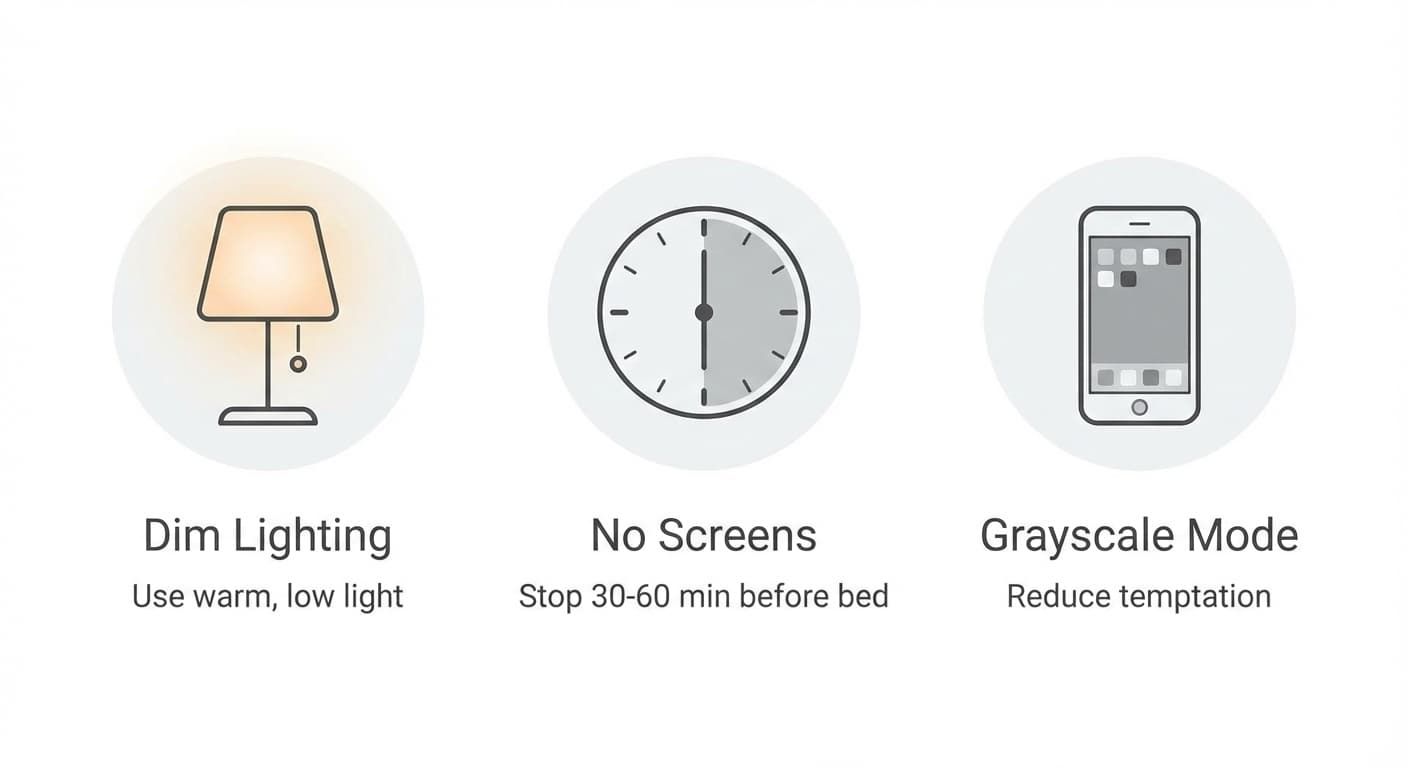
- Stop using screens 30–60 minutes before sleeping.
- Use warm or dim lights in your room after sunset.
- Turn off unneeded notifications so you don’t wake up to alerts.
- Try setting your screen to grayscale mode it makes scrolling less tempting.
- Keep your phone away from your bed while you sleep.
These steps help your brain produce melatonin naturally and keep your circadian rhythm balanced.
Check out the Jolt app Do Night Mode Settings Really Work?
Yes! night mode screen settings and blue light filters can protect your sleep, but only to a point. They help reduce blue light exposure and make the screen easier on the eyes. They support your sleep hormone melatonin, especially when used along with healthy nighttime habits.
However, filters cannot fix everything. If you keep scrolling, watching videos, or reading late into the night, your sleep will still suffer. True rest comes from limiting screen time, keeping a consistent bedtime, and allowing your mind to slow down.
To make this easier, you can use
Jolt, an app that helps manage screen habits and focus time. Jolt allows users to set schedules, block distractions, and track how they use their devices. This helps create healthier routines, reduce late-night usage, and support better sleep.
With a mix of smart tools, simple routines, and awareness, anyone can use technology without harming their sleep. Night mode is a good start but mindful use is what truly protects your rest.
Frequently Asked Questions:
- What does a blue light filter actually do?
A blue light filter reduces the amount of blue light coming from your screen. It changes the screen color to warm tones, such as yellow or orange. This makes the light softer on your eyes and helps your body produce melatonin more easily at night.
- Can night mode completely stop blue light from affecting sleep?
No, night mode cannot completely stop blue light. It only reduces some of it. You can still lose sleep if you use your phone for too long at night or keep the brightness very high. For best results, use night mode and also reduce screen time before bed.
- Do all phones have blue light filters?
Yes, most modern iOS and Android phones have built-in blue light filters. On iPhones, it is called Night Shift, and on Android phones, it may be called Night Light, Eye Comfort Shield, or Blue Light Filter. You can turn it on in your display settings.
- When is the best time to turn on night mode?
The best time to turn on night mode is around sunset or one hour before bedtime. You can also set it to turn on automatically at the same time every evening. This helps your body get ready for rest and keeps your sleep cycle balanced.
- Are blue light filters safe for long-term use?
Yes, they are completely safe to use every day. In fact, using them regularly can reduce eye strain and help you sleep better. They make the screen look warmer, but this does not harm your device or your eyes.

 Download Now
 Take charge of your time