
 Download Now
Sleep-mode
Set your sleep schedule, block what keeps you up, and wake up to a record of exactly how you slept.Check out appSleep starts when the phone stops.
Method backed by Neuro-Science
Melatonin Suppression
Blue light from screens delays melatonin release by up to 3 hours - pushing your actual sleep time back even when you're in bed.
Sleep Pressure Release
Every notification at night bleeds the sleep pressure your brain spent all day building. Sleep Mode stops the bleed.
First-Pickup Tracking
The time you reach for your phone in the morning is one of the most telling signals of sleep quality. Jolt tracks it automatically.
Habit Anchoring
A consistent sleep schedule - like Sleep Mode activating - trains your brain to begin winding down on schedule.
Benefits of the feature
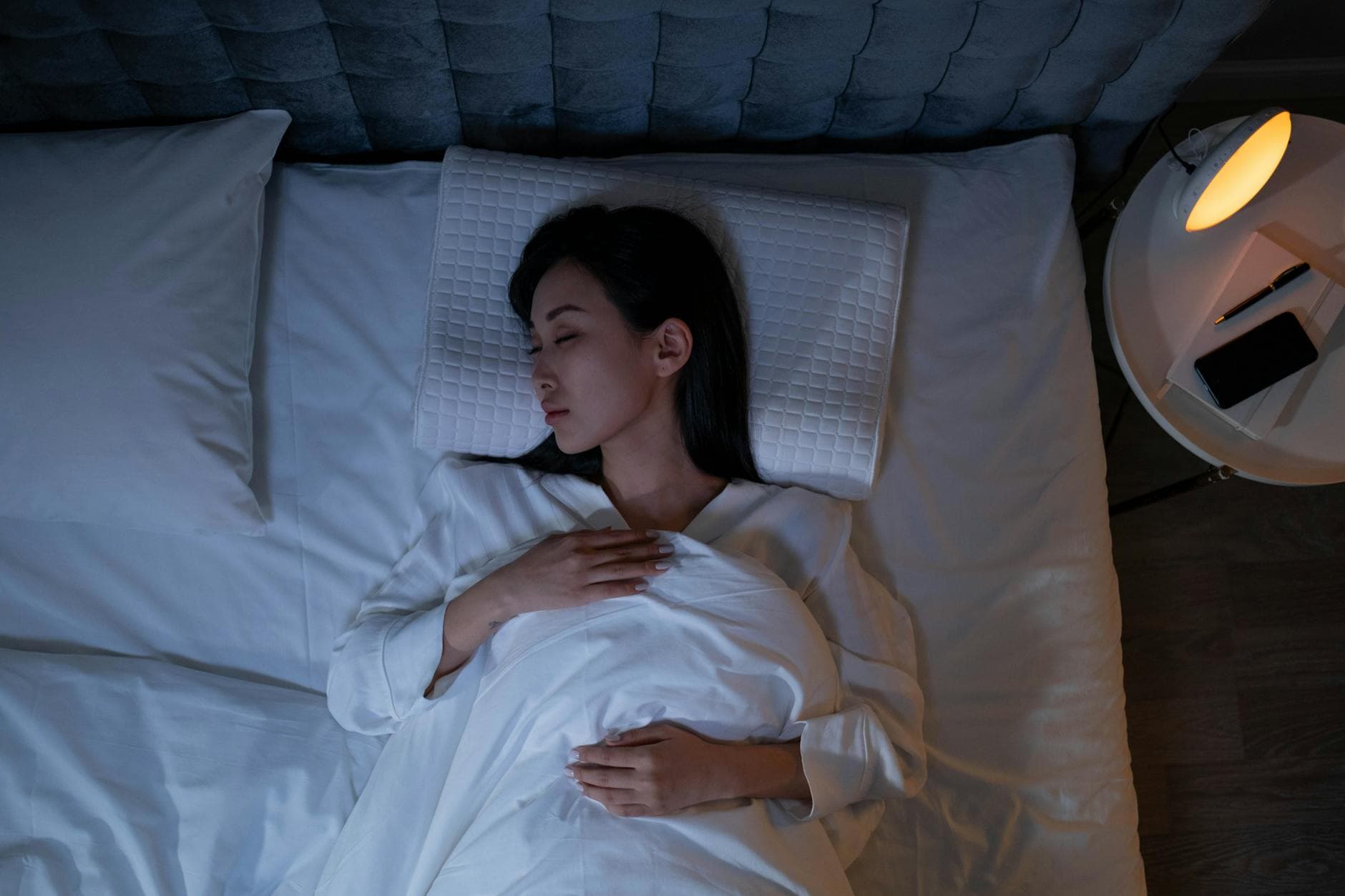
Fall asleep up to 37% faster when screens are blocked 30 minutes before bed.

Users who set a Sleep Mode schedule report picking up their phone 41% later after waking.
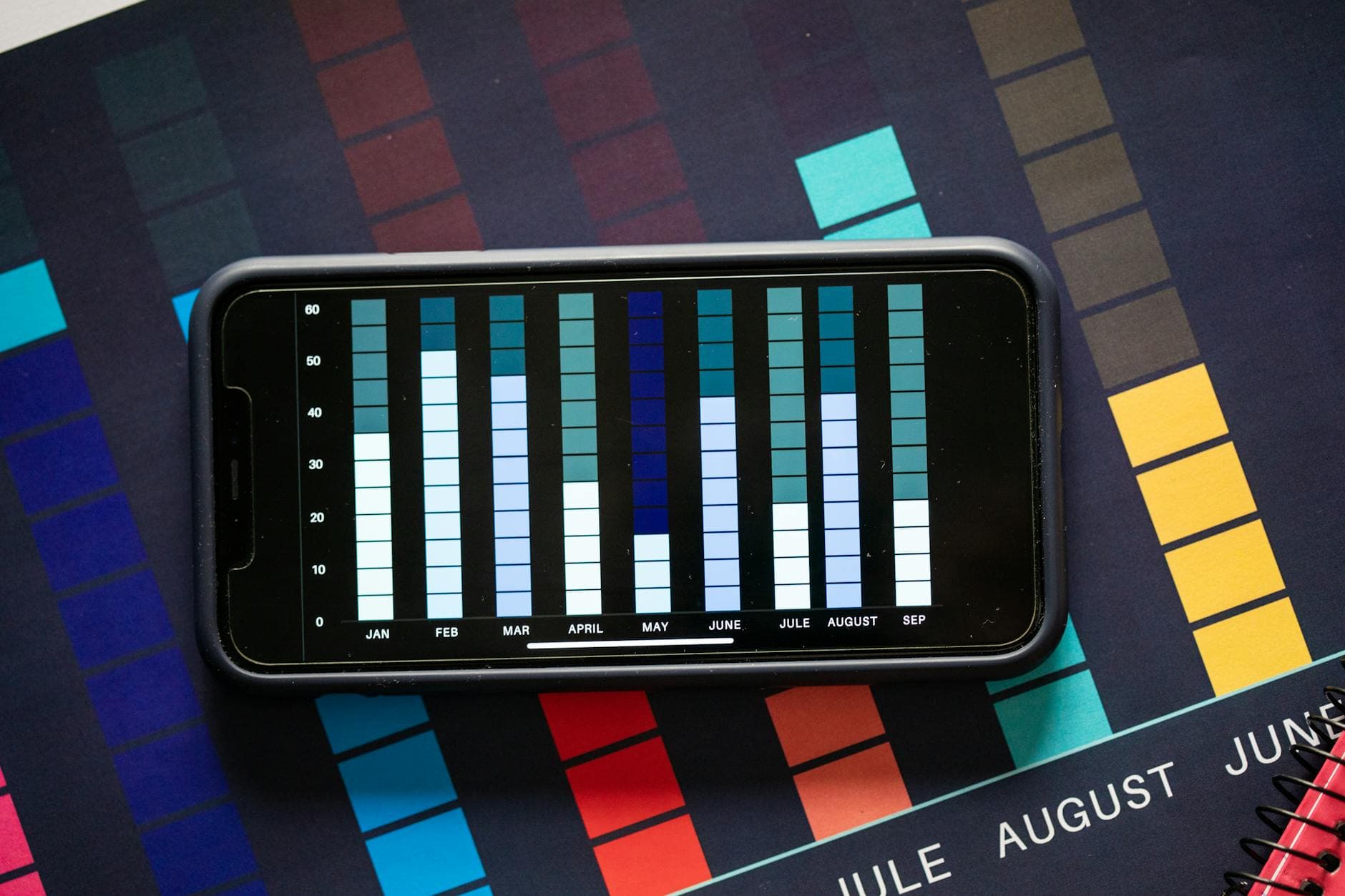
Track your last pickup, first pickup, and night disturbances - every morning.
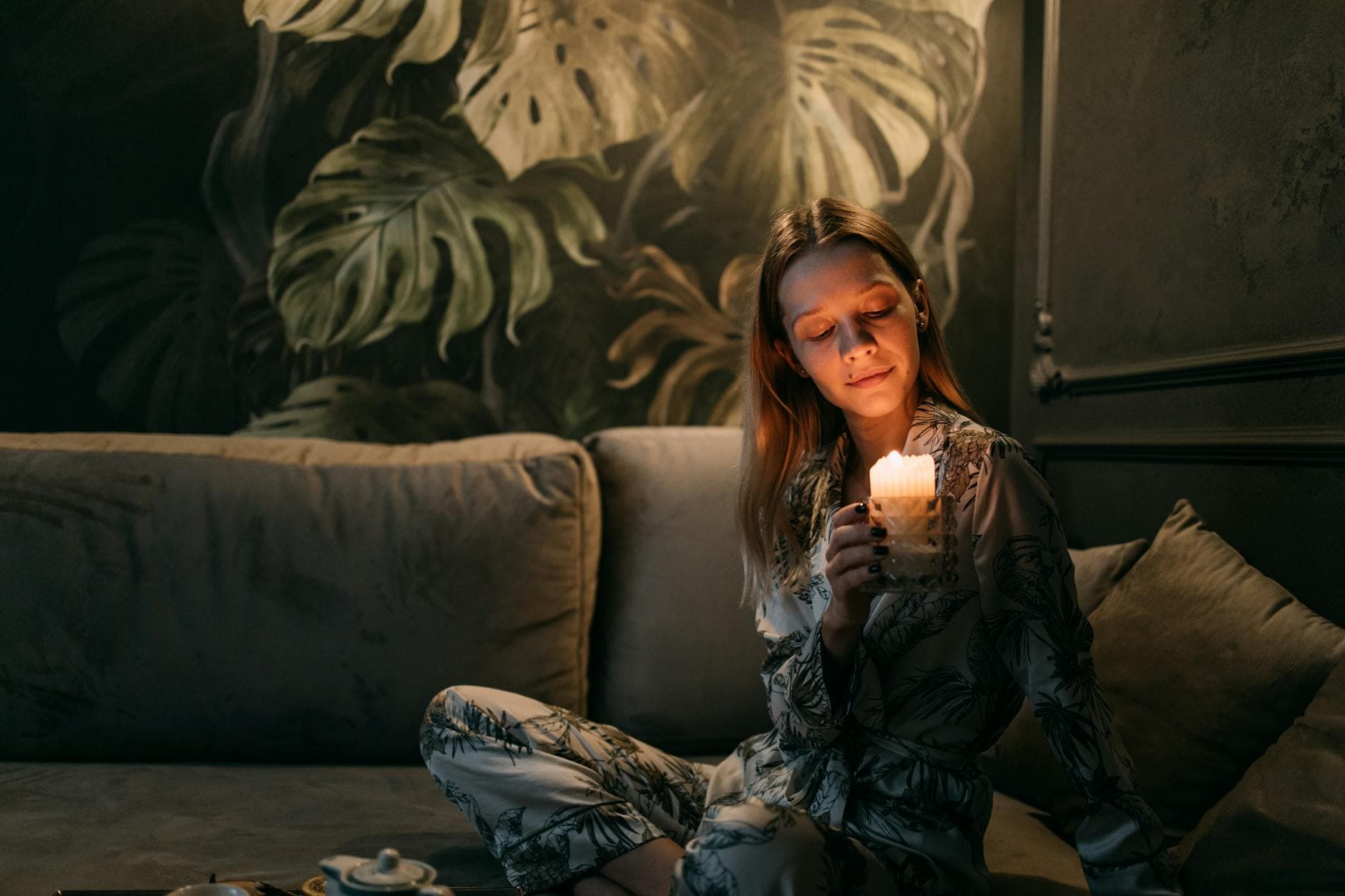
Jolt nudges you 30 minutes before your bedtime so the transition is gradual, not abrupt.
How to use Sleep Mode
Set Your Sleep Schedule
Choose your bedtime and wake-up time to build a sleep schedule. Jolt activates automatically - no remembering, no willpower needed.
Choose What Gets Blocked
Pick the apps that pull you in at night. Instagram, YouTube, TikTok - locked until morning.
Wake Up to Your Sleep Report
See when you last touched your phone before bed, when you picked it up after waking, and how many times you reached for it overnight.
Frequently Asked Questions
What does Jolt's Sleep Mode do?
Sleep Mode is Jolt's bedtime blocking feature. You set a sleep schedule - bedtime and wake-up time - and Jolt automatically locks the apps you choose for the night. It also nudges you 30 minutes before your scheduled bedtime and tracks your phone behaviour overnight: your last pickup before sleep, your first pickup after waking, and any disturbances in between.
How does blocking apps at night improve sleep quality?
Blue light from screens suppresses melatonin production - the hormone that signals your brain it's time to sleep - for up to 3 hours after you put the phone down. Beyond the light, notifications and content keep your nervous system in an alert state. Sleep Mode removes both factors by locking the phone before the damage starts, not after.
Can I choose which apps get blocked at night?
Yes - Sleep Mode is fully customisable. You choose which apps to block, set your own bedtime and wake-up time, and Jolt handles activation automatically. You can block social media and streaming apps while leaving your alarm, meditation app, or reading app accessible. The blocking is selective, not a full phone lockdown.
What is the Sleep Report and what does it show?
Every morning, Jolt shows you a record of the previous night: when you last picked up your phone before bed, when you first picked it up after waking, and how many times you reached for it overnight. Over time this becomes a pattern - you can see how your bedtime habits are shifting, and whether Sleep Mode is changing your behaviour.
Ready to take control?
Try now on JoltExplore features: Sessions · App Limits · Blocking Modes · Insights
As seen on





Your screen time won't fix itself.
Jolt blocks the apps, protects your sleep, and keeps you accountable. Free to start.
Eight hours protected is a different version of you by morning.
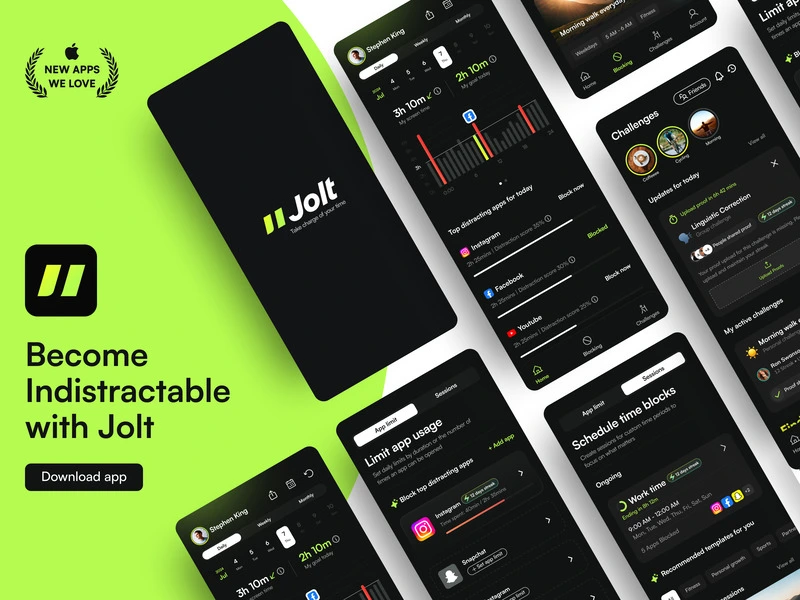
 Take charge of your time