
 Download Now
Your distraction isn't random. Here's the pattern.
When you reach for your phone, which apps, and how often - by hour, by day, by week.
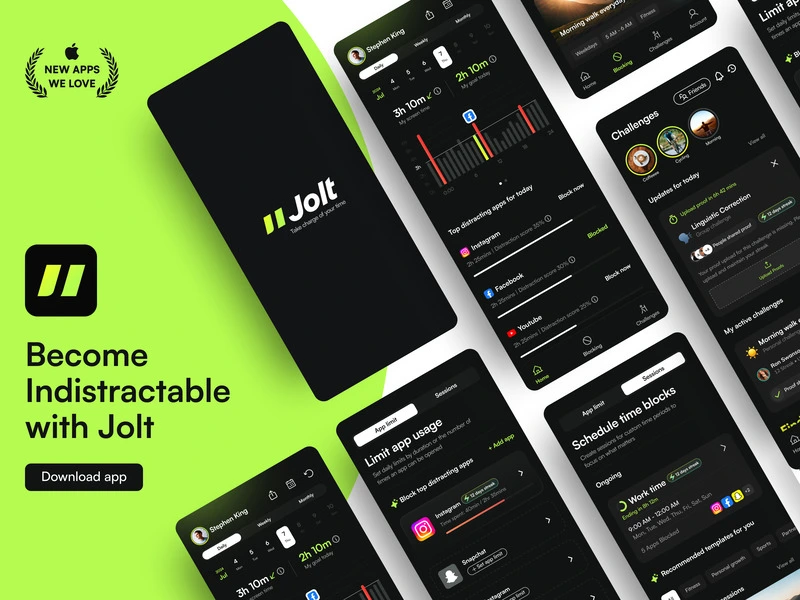
Download JoltBehavior Patterns shows you when you reach for your phone - by hour, by app, by week. It surfaces the contextual triggers that precede your habitual scrolling: the time of day, the specific apps, the recurring frequency. Most people find their patterns are more predictable than they expected. Once you can see the pattern, you can block for it specifically. That's the difference between guessing at your rules and building them from evidence.
Rooted in Habit Loop Theory - all habitual behaviour has a cue. Identifying the cue is the prerequisite for habit change. The pattern is always more predictable than it feels.
How to set up Behavior Patterns
Go to Behavior Patterns in Insights
Open the Insights tab and navigate to Behavior Patterns. You'll see your phone usage broken down by hour across the day.
Find your distraction peak hours
Look for the hours where usage spikes. That's when your automatic habit loop is strongest - and where your blocking rules need to be most specific.
Build rules from what you find
If you reach for Instagram every day at 2pm, set an app limit that activates at 1:45pm. Block the cue, not just the behaviour.
Explore more Insights features
Your screen time won't fix itself.
Jolt blocks the apps, protects your sleep, and keeps you accountable. Free to start.
Your phone knows your schedule better than you do. Now you do too.
 Take charge of your time