E Ink Phone: What It Is, How It Works, and Is It Worth Switching?
8-minute read
Somewhere between a Kindle and a smartphone sits a small but growing category of devices built around a screen that doesn't glow. E Ink phones use the same
electrophoretic display technology found in e-readers: tiny charged particles suspended in microcapsules, arranged by an electric field rather than lit from behind, and put it in a phone-shaped body you can actually call and text from. They're not for everyone, and they're not trying to be. Here's what they actually are, what they trade away, and who genuinely benefits from switching.
What Is an E Ink Phone?
An E Ink phone is a smartphone that replaces its LCD or OLED screen with electronic paper, the same reflective, non-backlit display used in the Kindle and Kobo. Instead of emitting light, the screen reflects ambient light the way a printed page does, which is why E Ink devices look sharper outdoors in direct sun rather than washing out like a normal phone screen does. Most run a version of Android underneath, so calls, texting, and even Google Play apps still work; the screen itself is simply built from millions of microscopic capsules of charged ink particles instead of glowing pixels.
Why E Ink Phones Are Becoming Popular in 2026
Part of it is better hardware: color E Ink panels like Kaleido 3 finally make these phones usable for more than plain text, and newer chipsets have closed some of the responsiveness gap that made earlier models frustrating. But the bigger driver is cultural. As phone-related burnout has become a mainstream complaint rather than a fringe concern, a screen that's physically less compelling to stare at has started to look less like a compromise and more like a feature. Manufacturers have responded this year with more full-featured Android options, rather than just stripped-down minimalist devices.
E Ink Phone vs Smartphone: What's the Difference?
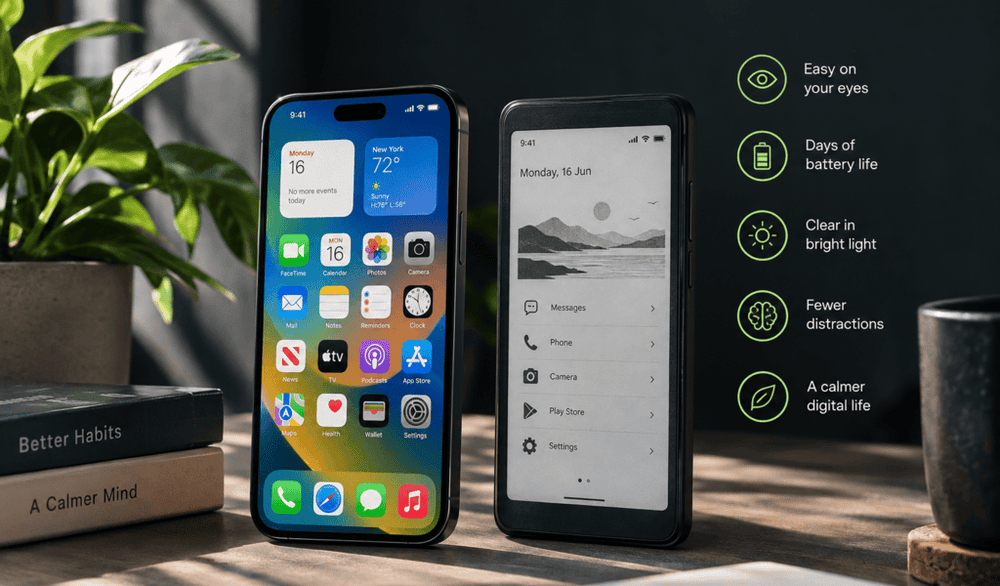
The core trade-off is speed for calm. E Ink panels refresh far more slowly than OLED or LCD screens, so scrolling looks choppy, video is largely unwatchable, and fast-paced games don't work. In exchange, the display draws power only when the image actually changes, letting most E Ink phones run for days rather than hours on a single charge. The screen is also grayscale or muted color rather than vivid, and it reflects light instead of emitting it, so it disappears in the dark without a front light but shines in direct sunlight, where a normal phone screen becomes a mirror.
What Are the Benefits of Using an E Ink Phone?
Battery life is the most obvious win, several days to weeks of use instead of one. Because the screen reflects rather than emits light, it also avoids exposing your eyes to the kind of direct, backlit glare that makes phones tiring to stare at for hours, and it's genuinely easier to read outdoors. Beyond hardware, the display itself works against compulsive use: static, muted visuals are simply less rewarding to look at than a bright, animated feed, which is part of why so many people end up choosing an E Ink device specifically to interrupt a habit.
Can an E Ink Phone Help Reduce Screen Time and Distractions?
To a meaningful degree, yes, and there's real research behind why. A
randomized study on grayscale phone settings found that stripping color from a smartphone screen cut daily screen time by about 20 minutes and reduced feelings of overuse and "online vigilance," even though it didn't change how often people picked up the phone in the first place. An E Ink phone takes that same principle further: it's not just gray; it's slow, unresponsive to fast scrolling, and incapable of showing video, which removes much of what makes apps like TikTok or Instagram compelling in the first place, rather than just muting their color.
Who Should Consider Buying an E Ink Phone?
E Ink phones make the most sense as a second device, not a full replacement. People who read a lot, want fewer app-driven interruptions, or need a phone that survives a multi-day trip without a charger tend to get the most out of them. They're a poor fit for anyone who relies on a phone for photography, video calls, navigation with live traffic, or fast-paced apps, since the slow refresh rate makes all of those noticeably worse.
How to Make Your Current Smartphone Feel More Like an E Ink Phone
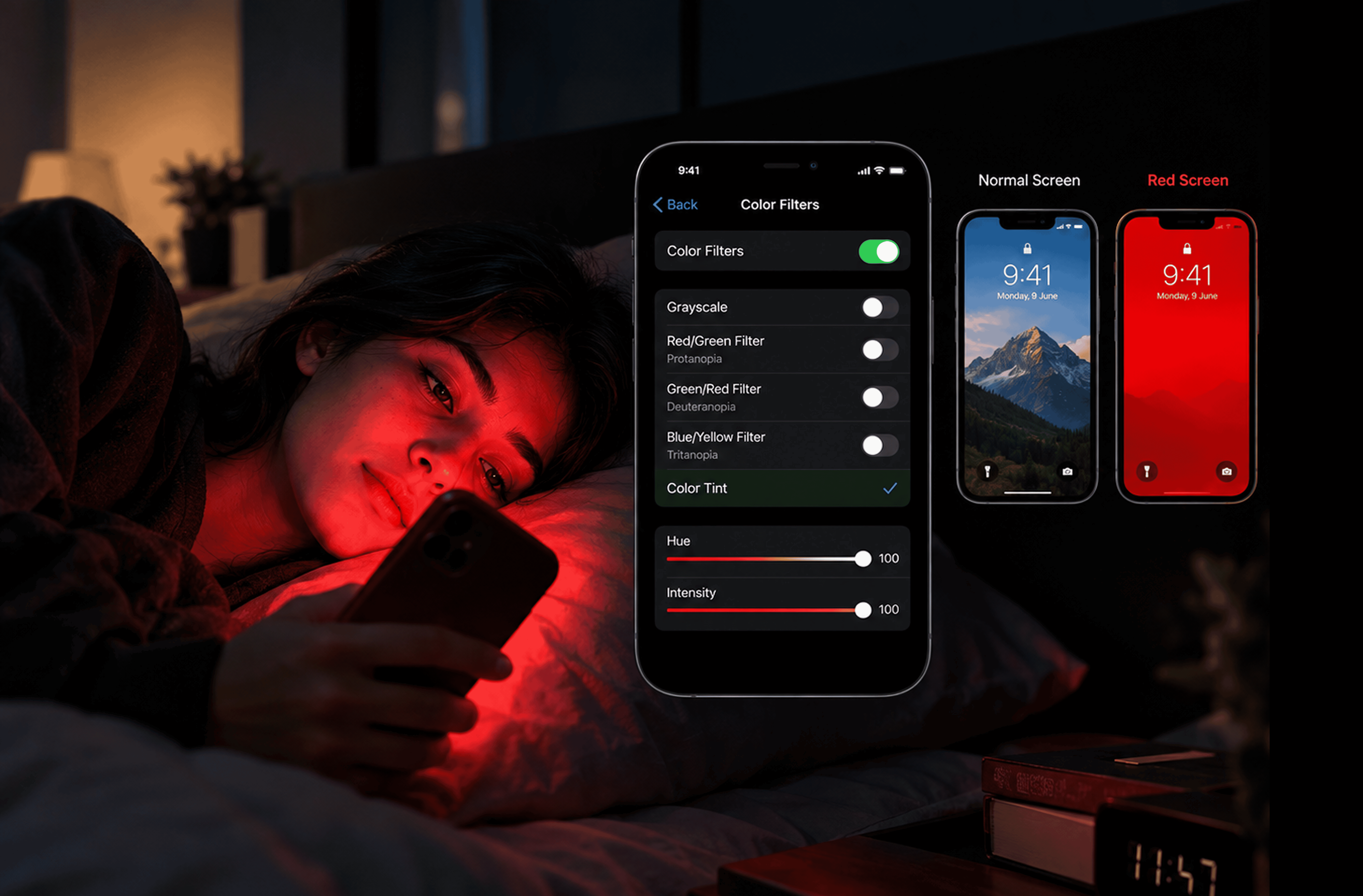
You don't need new hardware to borrow the effect. Switching your existing phone's display to grayscale, under Settings > Accessibility > Display & Text Size > Color Filters on iPhone, removes the same saturated colors that make apps visually rewarding, and a
similar effect has been measured to meaningfully cut smartphone use in controlled studies. Pairing grayscale with a lower brightness setting, a muted wallpaper, and notifications trimmed down to essentials gets you a rough approximation of the E Ink experience without buying a second device, though it won't touch the multi-day battery advantage a true E Ink screen provides.
The 5 Best E Ink Phones Worth Buying in 2026
If you want the calmer, paper-like experience of E Ink without completely giving up mobile functionality, there are now several interesting options available. Some are complete smartphone replacements, while others are intentionally minimalist or designed primarily for reading. Here are five of the best E Ink phones and phone-sized devices worth considering in 2026.
1. Bigme HiBreak Pro — Best Overall E Ink Phone
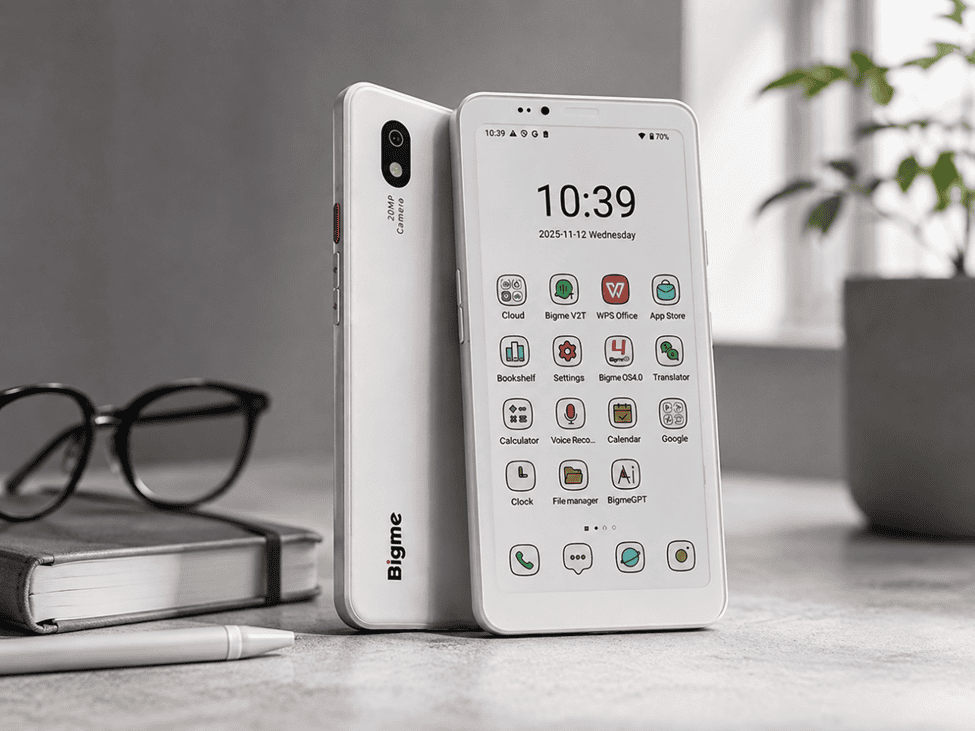
The Bigme HiBreak Pro is one of the strongest choices if you want E Ink without giving up normal smartphone functionality. It features a 6.13-inch E Ink display, Android 14, Google Play support, 5G dual-SIM connectivity, GPS, 8GB RAM, and 256GB of storage. Unlike many E Ink alternatives, it supports regular calls and messaging. Its combination of smartphone features and a distraction-friendly display makes it a practical option for everyday use.
2. BOOX Palma 2 — Best for Reading and Digital Minimalism
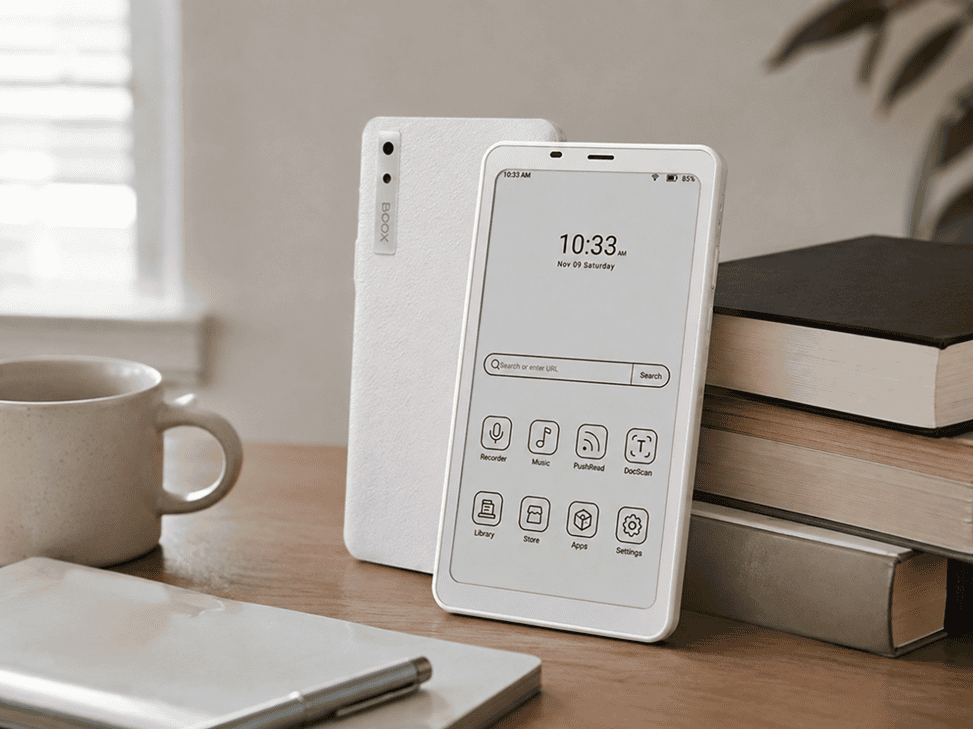
The BOOX Palma 2 is an excellent choice for people who want a pocket-sized device primarily for reading and distraction-free activities. Its 6.13-inch Carta 1200 E Ink display is paired with an open Android system, allowing users to install reading, productivity, and other compatible apps. Features such as fingerprint recognition and BOOX Super Refresh improve everyday usability. However, it does not have cellular connectivity, so it works best alongside your regular smartphone rather than replacing it.
3. BOOX Palma 2 Pro — Best Color E Ink Option
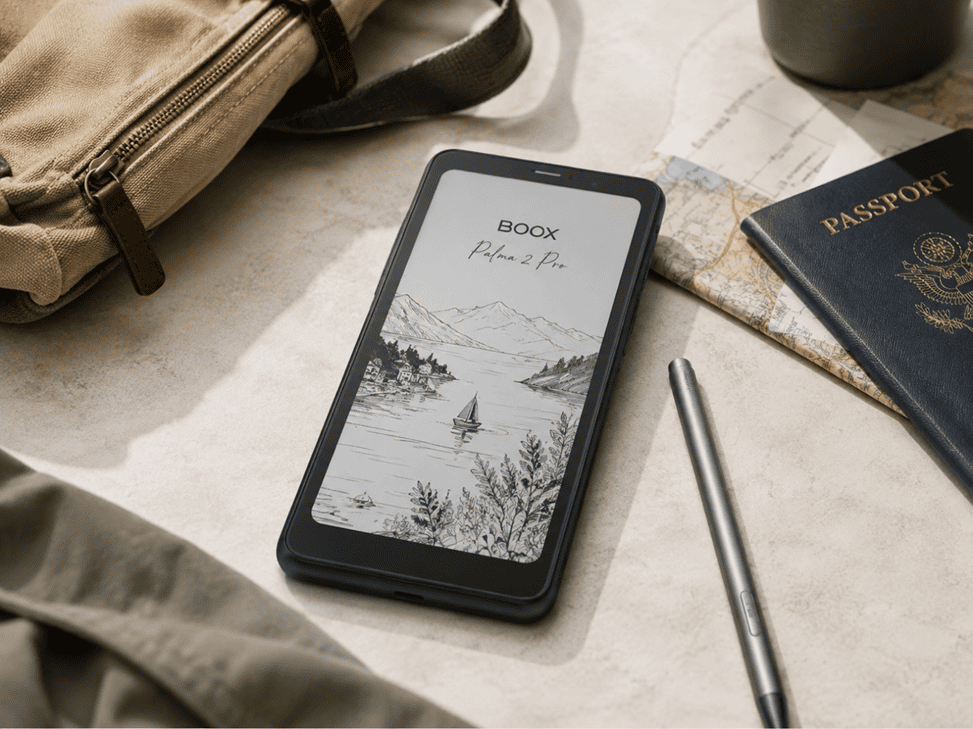
The BOOX Palma 2 Pro is a more advanced alternative for users who want the benefits of E Ink with a touch of color. Its 6.13-inch Kaleido 3 color E Paper display is accompanied by Android 15, 8GB RAM, 128GB storage, Google Play, stylus support, and a hybrid SIM slot for cellular data. It is particularly useful for reading, notes, maps, and productivity while travelling, although it does not function as a conventional calling-focused smartphone.
4. Mudita Kompakt — Best Distraction-Free E Ink Phone
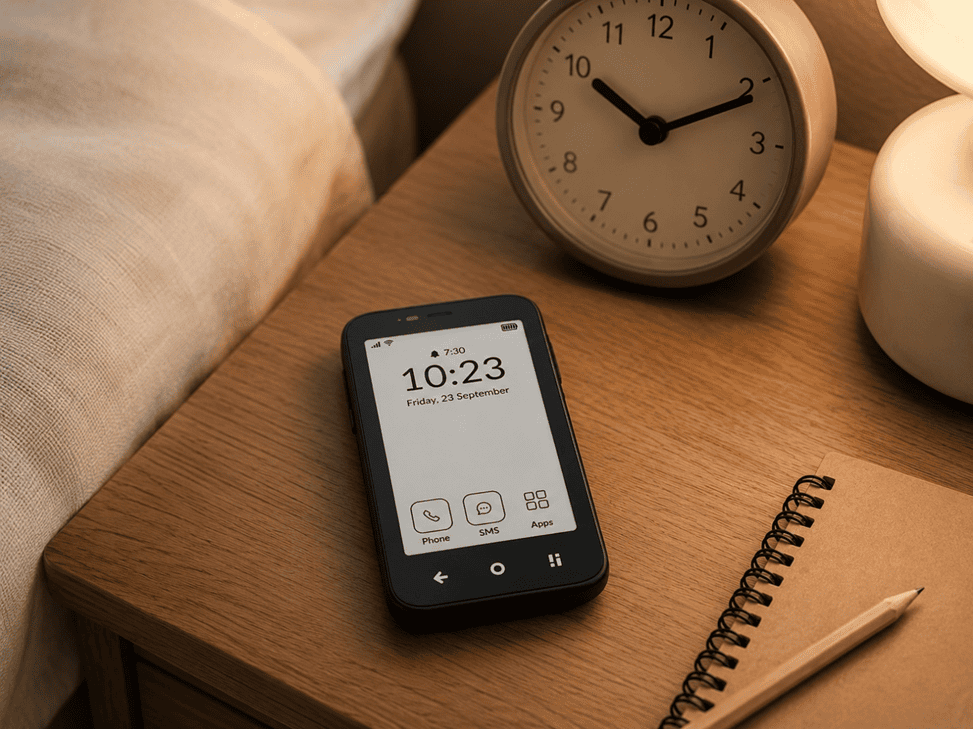
The Mudita Kompakt takes a deliberately minimalist approach to mobile technology. Instead of trying to recreate every smartphone feature, it focuses on essentials such as calling, messaging, maps, music, notes, alarms, and other everyday tools. Its compact E Ink screen also makes social media and endless scrolling far less central to the experience. For people looking to reduce digital distractions rather than simply change their display technology, the Kompakt is one of the most purpose-built options available.
5. Hisense A9 Pro — Best for E Ink Enthusiasts
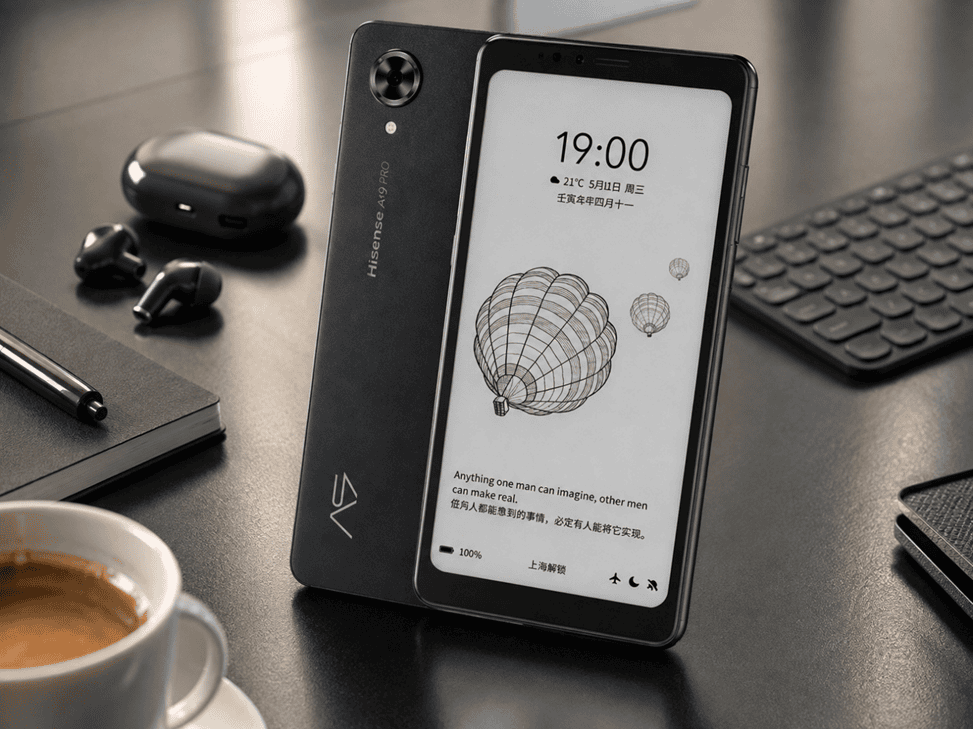
The Hisense A9 Pro remains an interesting option for experienced E Ink enthusiasts who are comfortable purchasing an imported device. It combines a smartphone-style design with a 6.1-inch monochrome E Ink screen, Snapdragon 662 processor, generous memory options, and cellular functionality. Its main drawback is that it was designed primarily for the Chinese market, so Google services and network compatibility can require additional setup. For enthusiasts willing to experiment, however, it remains a capable E Ink smartphone option.
E Ink vs App Blocker: Do You Really Need to Change Your Phone?
Not necessarily, but the evidence suggests the two solve different problems. A
multimethod review of phone-use apps found that blocking apps range from weak to strong in real-world effectiveness, largely because they're easy to disable the moment willpower runs out; a separate study on screen-time tracking apps found people are more likely to just monitor their usage than actually cut it. An E Ink phone works differently: there's no toggle to switch off when a craving hits, because the temptation itself is engineered out of the hardware. If you've tried app blockers and kept finding workarounds, a separate device removes that failure point entirely; if you've never tried the simpler fix, grayscale or a blocker is worth attempting first.
That "easy to disable" failure mode is exactly what a tool like Jolt is built to close before you reach for new hardware. Its difficulty modes make bypassing a block take real, deliberate steps rather than a single tap, and Accountability Partner adds a second person's approval before an override goes through at all, closer to the non-bypassable end of the spectrum the research above points to. It won't touch the visual-compulsion piece the way a genuinely different screen does; static grayscale ink is still less rewarding to look at than any phone display, backlit or not, but for the "I keep disabling my own restriction" problem specifically, a stricter software block is worth trying before concluding you need a second device.
FAQs
How Long Does an E Ink Phone Battery Last?
Most E Ink phones run for several days to a couple of weeks on a single charge, compared to under a day for a typical smartphone. The exact figure depends heavily on use: a minimalist phone like the Mudita Kompakt can stretch past a week, while a full Android E Ink phone running Play Store apps closer to normal usage will land nearer three to five days.
What are the disadvantages of an E Ink display?
The biggest drawback is refresh speed: scrolling looks choppy, video is largely unwatchable, and fast games don't work at all. Color E Ink panels also look duller and lower-resolution than a phone's true-color display, and most models need a front light for use in the dark. Repairs can be pricier, and app compatibility on niche Android builds is sometimes inconsistent.
How much does an E-Ink phone cost?
Prices generally run from about $260 for a budget monochrome Android device up to roughly $550 for a full-featured color model with 5G. Minimalist, calls-and-texts-only E Ink phones typically land in the $350–450 range. That's often comparable to or higher than a mid-range OLED smartphone, since E Ink panels are manufactured at a much smaller scale.
Is E-Ink better than OLED?
Neither is objectively better; they're optimized for opposite goals. OLED wins on color accuracy, brightness, and speed, making it better for video, gaming, and photography. E Ink wins on battery life, outdoor readability, and reduced visual stimulation, making it better for reading and limiting compulsive use. Most people are better served by OLED as a primary phone and E Ink as a deliberate second device.
Is an E Ink display good for the eyes?
Many people find E Ink more comfortable for long reading sessions, since it reflects ambient light rather than shining light directly at your eyes the way a backlit screen does. That said, current research hasn't found strong evidence that backlit screens themselves damage the eyes; the comfort difference mostly comes from reduced glare and brightness rather than any unique protective effect of the ink itself.
Why are E Ink screens so expensive?
E Ink displays require specialized manufacturing, layers of microcapsules, a driving circuit, and often a front light, produced by a small number of suppliers at far lower volumes than the standard LCD or OLED panels used across the wider smartphone industry. That lack of manufacturing scale, combined with slower demand, keeps unit costs meaningfully higher than a comparable color smartphone screen.

 Download Now
 Take charge of your time


 Twinkle