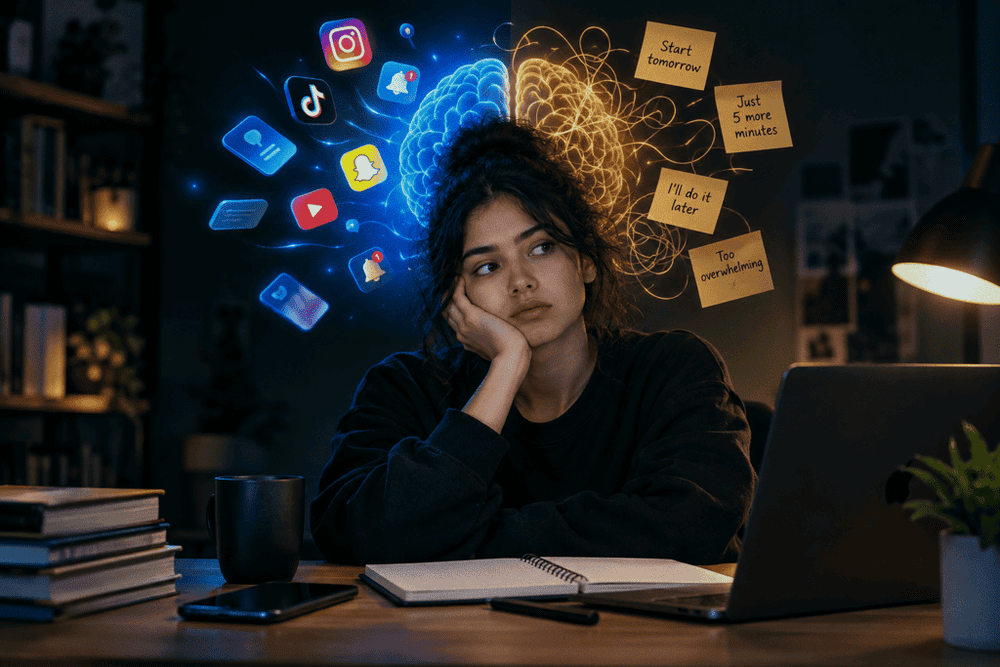
How Much Screen Time is Ideal for Students to Maintain Focus and Productivity
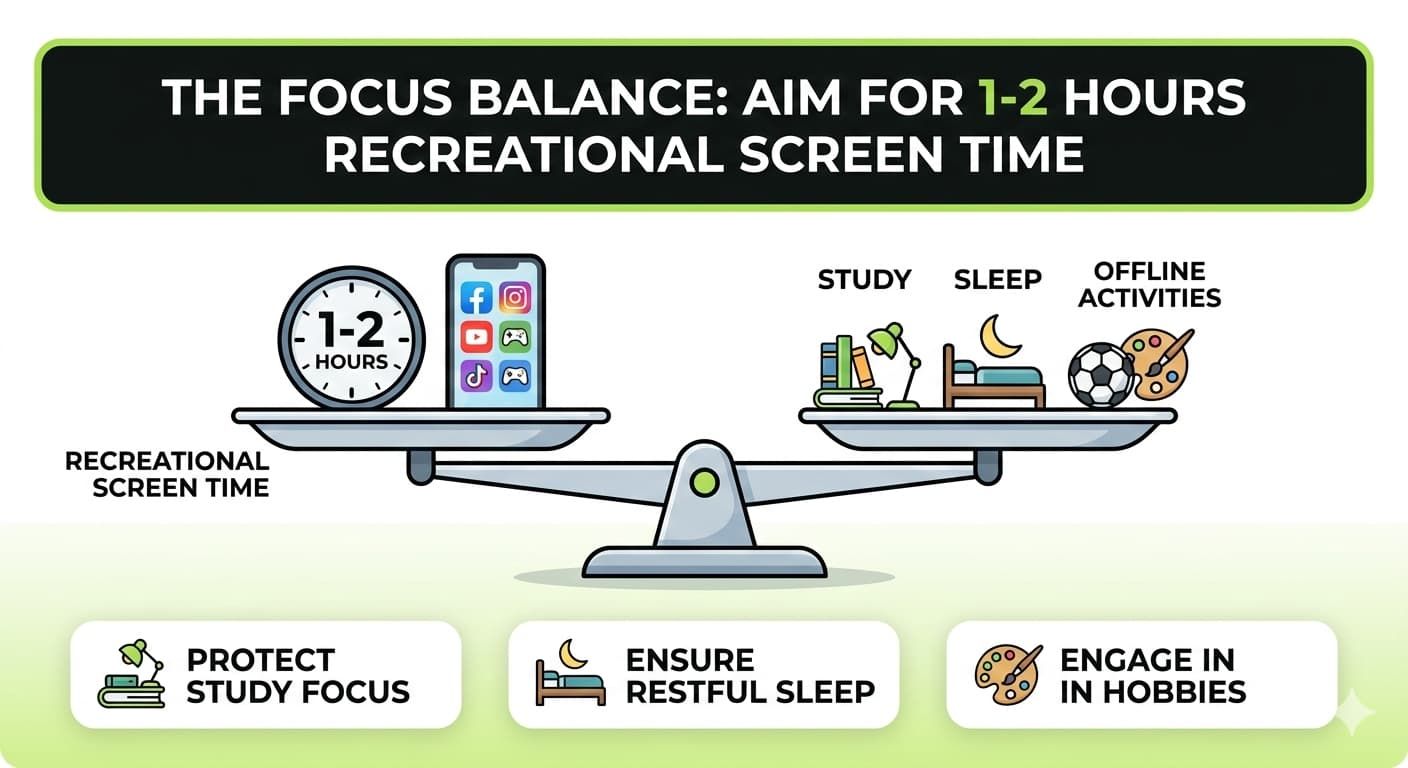
Students focus best when they keep non-study screen time low and use their phones in a planned way. For most students, around 1–2 hours of recreational screen time per day, with clear boundaries around study and sleep, is a practical target for better focus and academic performance.
Impact of Excessive Phone Use on Academics
When students spend many hours on their phones, their attention gets divided. They switch between social media, videos, and chats while studying, which makes it hard to stay focused on one task.
Over time, this “always-on” phone use can lower concentration and reduce how much they remember from what they read.
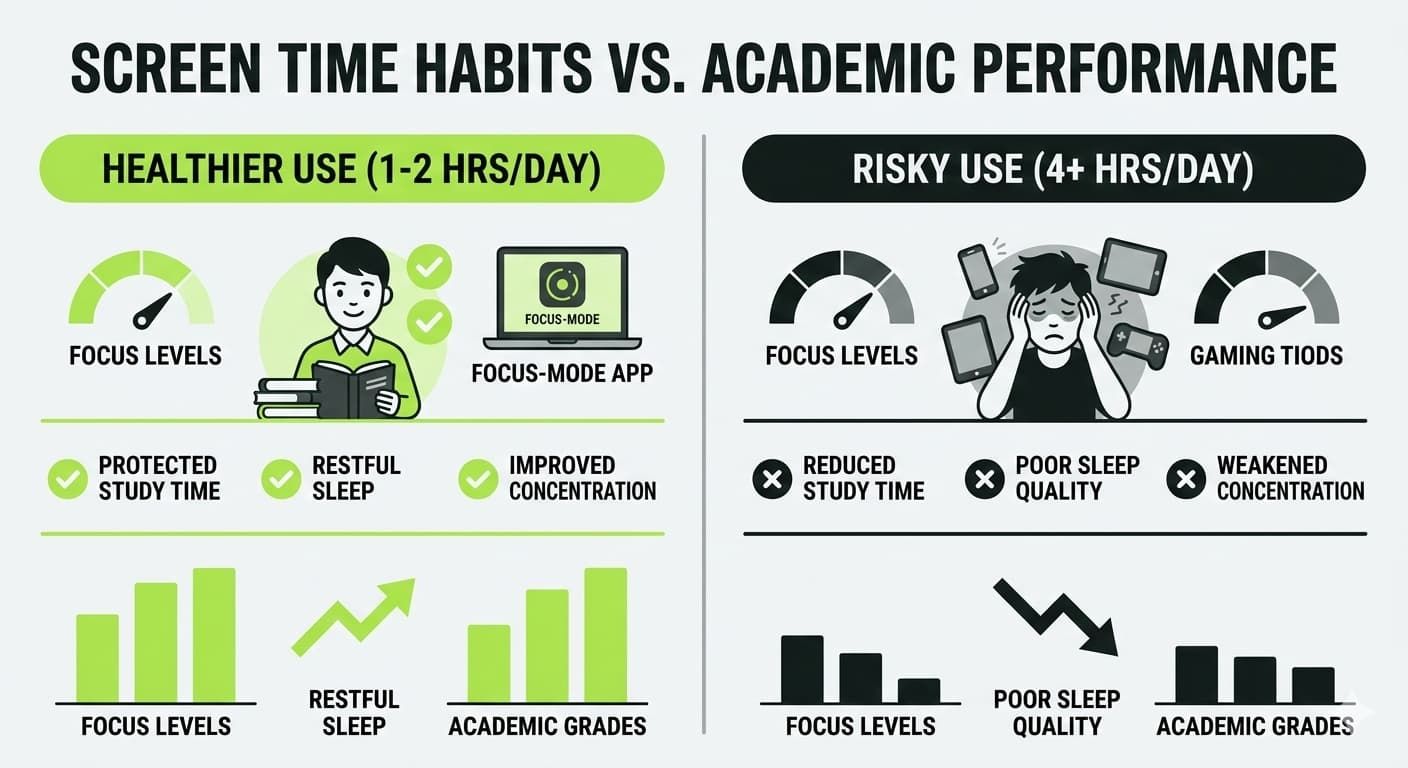
Research shows that higher daily screen time is linked with weaker academic results. One study found that children who reduced study time because of screens scored lower on school assessments than those who protected their study time.
Another study reported that more total screen time, especially for entertainment, was linked to lower reading and math scores in school tests.
How too Much Screen Time Hurts Study Focus
- Less time for homework and revision because phones take over free time.
- More distractions during study, as students keep checking notifications and switching apps.
- Poorer sleep due to late-night scrolling, which then reduces alertness and focus in class.
- Higher mental load, as the brain tries to process constant information, which can weaken memory and thinking skills over time.
Signs Students are Overusing Screens
There are simple signs that show when mobile use is no longer healthy. These signs appear in school performance, daily habits, and mood. Short, regular checks for these signals can help parents, teachers, and students act early.
Common academic and behavior signs:
- Falling grades or sudden drop in test scores.
- Homework left incomplete or always done at the last minute due to phone use.
- Difficulty reading for even 15–20 minutes without checking the phone.
- Frequent complaints such as “I cannot focus” or “I need my phone to study,” but tasks take much longer to finish.
Physical and emotional warning signs:
- Eye strain, headaches, or feeling very tired during the day.
- Trouble falling asleep or staying asleep after using the phone at night.
- Irritability or anxiety when the phone is taken away or when there is no internet.
- Choosing screens over friends, hobbies, outdoor play, or family time.
Healthy vs Unhealthy use
| Pattern | Healthier phone use | Risky phone use |
| Daily recreational screen | Around 1–2 hours a day, planned after key tasks. | 4+ hours a day, spread across social media, games, and videos. |
| Study time | Phone kept silent or away during study. | Phone always near, constant checking while doing homework. |
| Night routine | Screens off at least 1 hour before sleep. | Scrolling in bed until late; difficulty sleeping. |
| Activities mix | Includes offline hobbies, exercise, and family time. | Most free time spent on a screen. |
Tips for Managing Mobile Use
Managing smartphone use does not mean avoiding screens completely. It means using screens with intention, so they support learning instead of blocking it. Clear rules, small tools, and simple routines can protect study focus and academic performance.
Practical daily tips for students:
- Set a daily cap: Keep entertainment screen time around 1–2 hours and use the rest for study, sleep, and offline activities.
- Use study blocks: Study in 25–50 minute focused sessions, with short 5–10 minute breaks, and avoid opening social apps during these blocks.
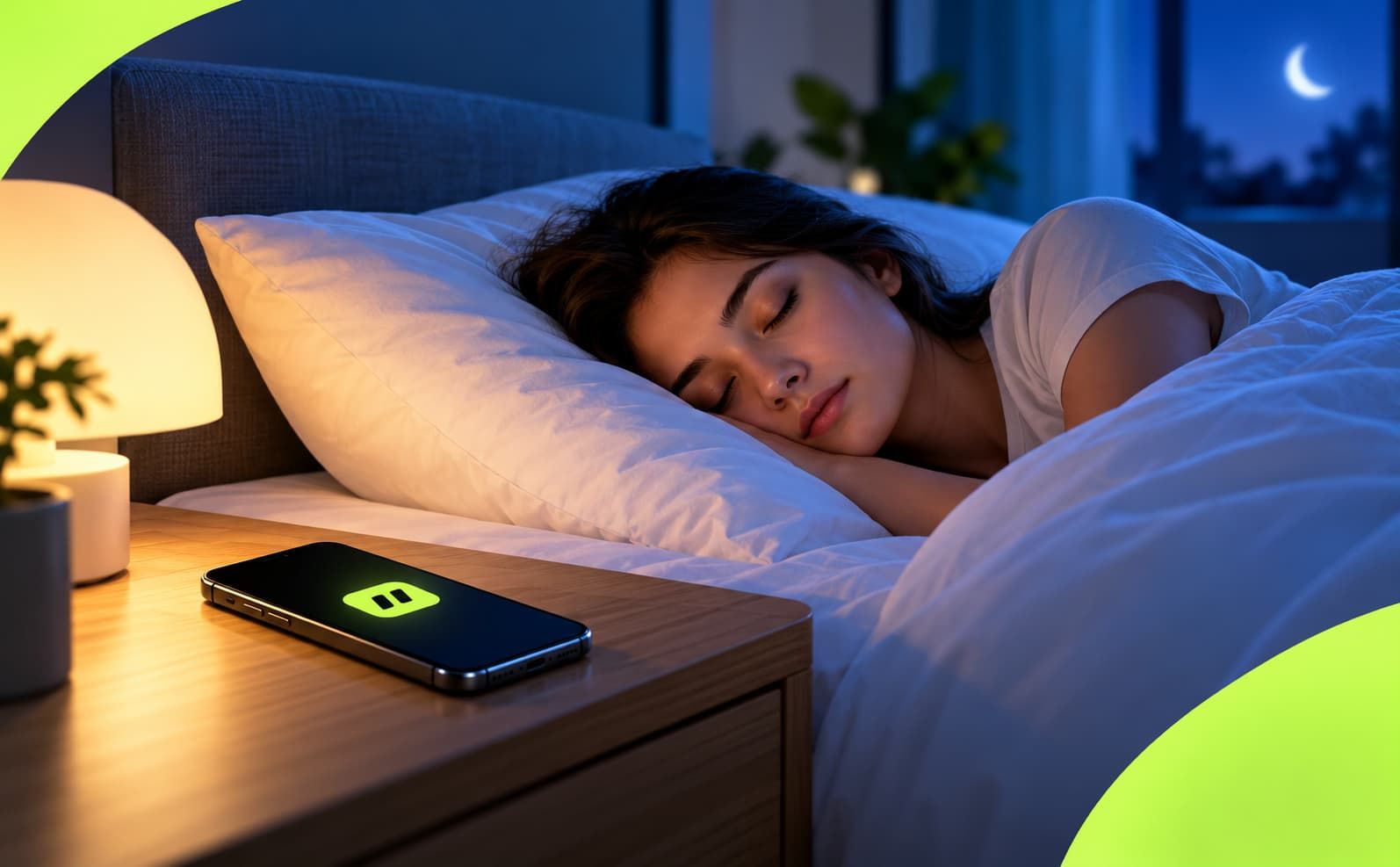
- Protect sleep: Turn off screens at least one hour before bed to improve sleep quality and next-day concentration.
- Create “no-phone zones”: For example, no phones on the study desk during homework, and no phones at the dining table.
- Turn off non-essential notifications: Keep alerts only for important calls or learning tools during school and study hours.
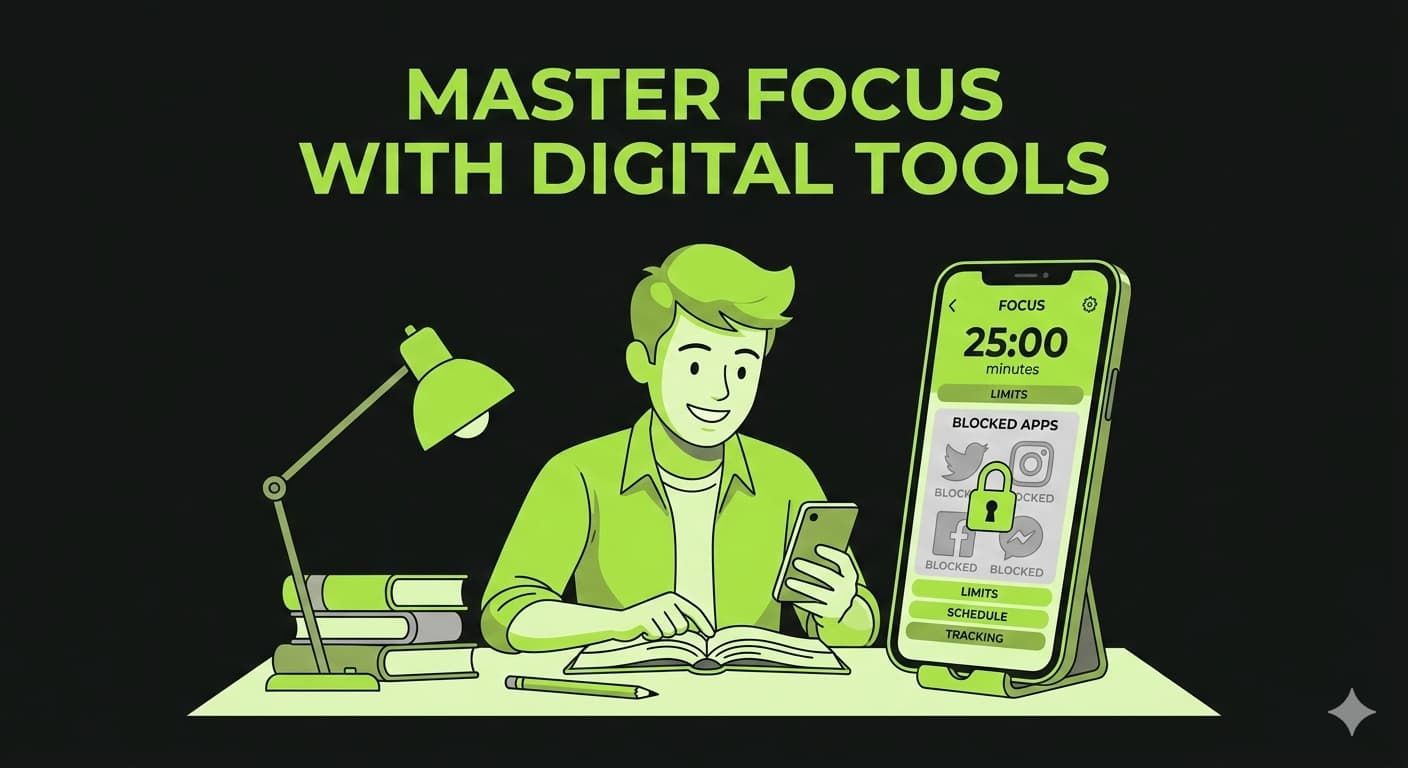
Digital tools can make these habits much easier to follow. Students can:
- Use scheduled focus sessions that lock distracting apps during study time.
- Set daily limits for social media, games, and video apps.
- Track daily and weekly screen time to stay aware of usage patterns and adjust.
Jolt: Screen Time App supports these steps by offering structured focus sessions, app limits, and habit-building challenges that help students reduce distractions, protect study focus, and stay consistent with healthy screen-time boundaries.
Frequently Asked Questions
- What is the ideal amount of screen time for students daily?
Experts recommend students limit recreational screen time to around 1–2 hours per day. This excludes time spent on educational activities or homework but helps balance screen use with physical play, sleep, and offline learning to support focus and academic performance.
- How can students balance screen time between study and leisure?
Students should differentiate productive screen time used for studying, homework, or learning apps from recreational use like gaming or social media. Keeping study-related screen time flexible while limiting recreational screen time to 1–2 hours daily promotes better focus and mental wellbeing.
- What are signs of excessive screen time affecting students’ productivity?
Falling grades, difficulty concentrating, incomplete homework, eye strain, headaches, and sleep problems may signal too much screen exposure. Social withdrawal and irritability when screen time is limited are other red flags indicating unhealthy habits.
- Can screen time improve learning if used properly?
Yes. When used intentionally, digital tools and educational apps support learning, skills development, and information access. Screen time becomes productive when combined with healthy habits such as breaks, focused sessions, and offline interactions.
- How can parents and educators help manage students’ screen time?
Set clear daily limits for recreational use, encourage screen-free zones and activities, use parental controls to monitor time and content, and model balanced screen habits. Encourage regular physical activity and prioritize sleep hygiene to counterbalance screen exposure.

 Download Now
 Take charge of your time