How To Stop Late-Night Scrolling and Protect Your Sleep?
10-Minute read
Late-night scrolling disrupts your sleep more than you think. Set a fixed bedtime, block distracting apps, and create a short wind-down routine. Keep your phone out of reach and avoid notifications at night. Small changes like these help your brain switch off faster and improve sleep quality over time.
The fastest way to stop late-night scrolling is to remove the option to open distracting apps once your wind-down window starts, not to rely on remembering to put the phone down. A scheduled block that actually holds, paired with a consistent bedtime, is what turns “I'll just check one thing” into a habit you don't have to fight every night.
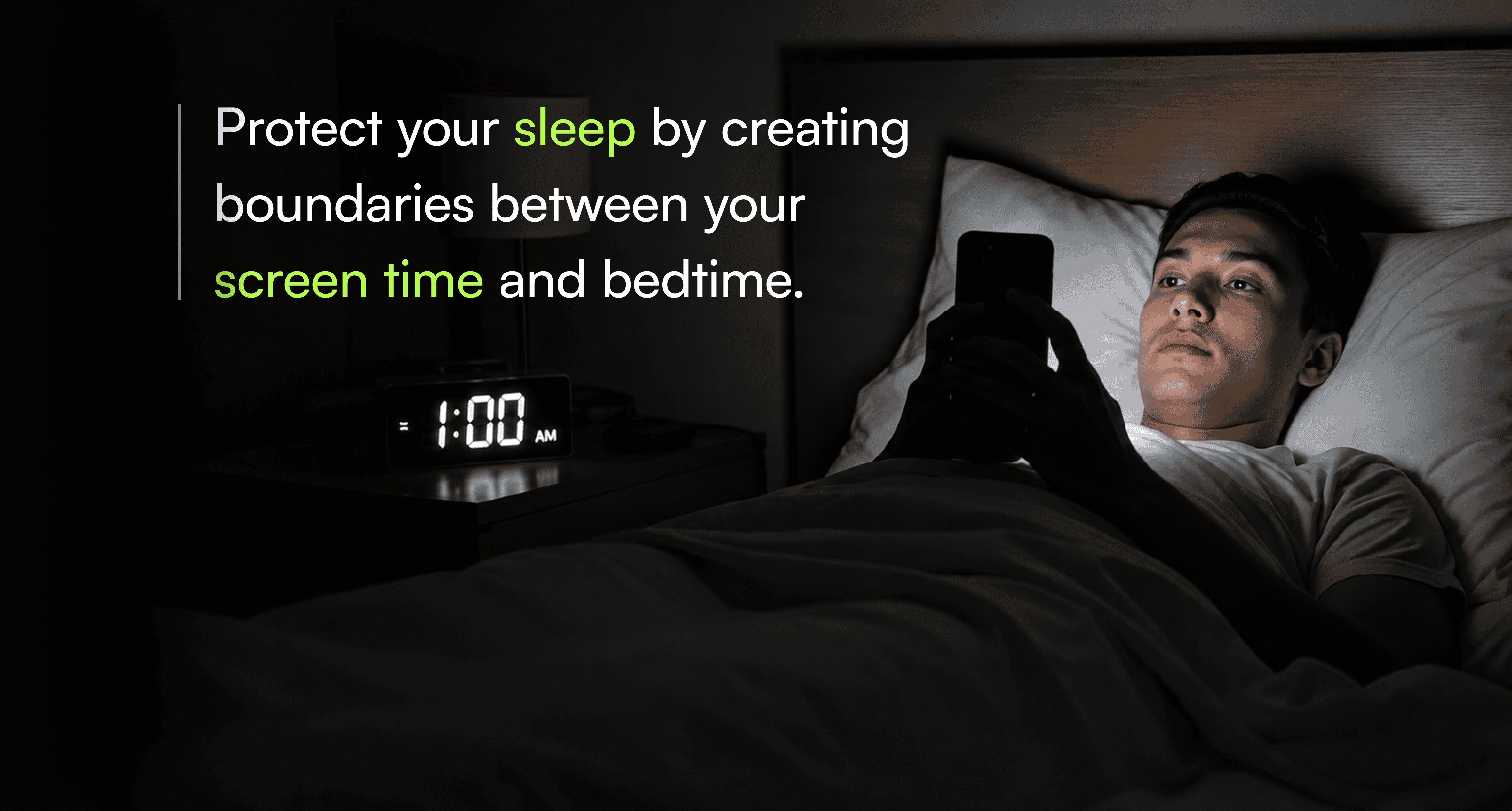
Late-night scrolling delays sleep onset in a few specific ways: blue light suppresses melatonin, the content itself is often stimulating or emotionally charged, and the intermittent rewards of a feed (a new post, a reply, a video) keep your brain in a “just one more” loop well past when you meant to stop. None of that resolves itself with good intentions at 11:47 PM; it needs a system that doesn't depend on your willpower at the moment.
What Happens to Your Brain When You Scroll Before Bed?
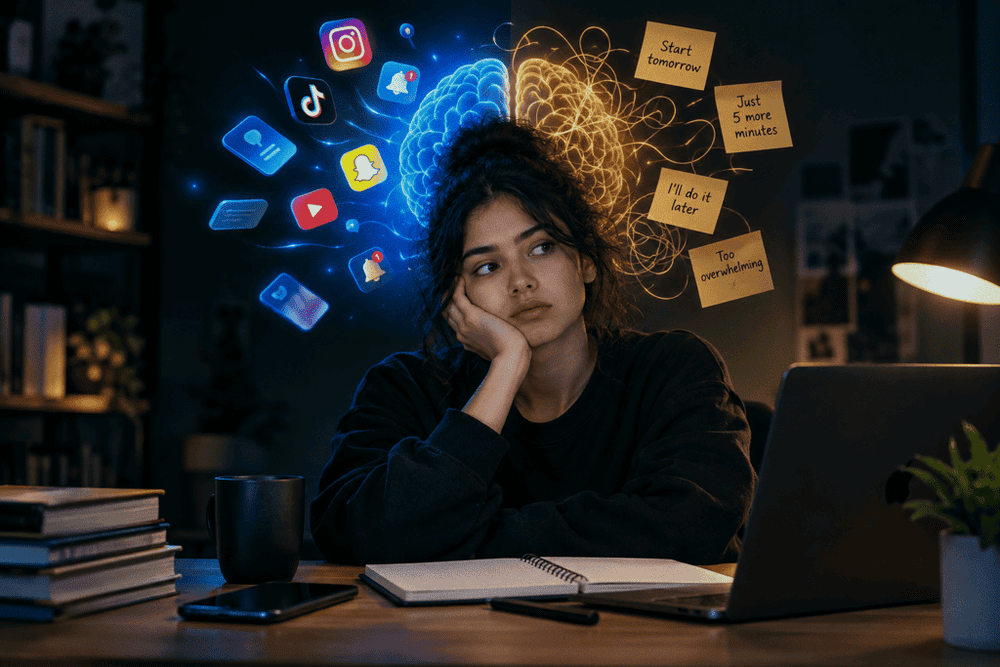
Scrolling before bed keeps your brain in "alert mode" right when it should be winding down. Screens emit blue light that suppresses melatonin, the hormone that signals sleepiness, tricking your brain into thinking it's still daytime. Meanwhile, the constant stream of new information (social media, videos, texts) triggers small dopamine hits, keeping your mind stimulated rather than relaxed. This delays sleep onset, reduces deep sleep, & can leave you feeling wired even when you're exhausted. Over time, this pattern trains your brain to associate bedtime with stimulation instead of rest, making it harder to fall asleep naturally.
How To Build a Screen-Free Night Routine That Sticks?
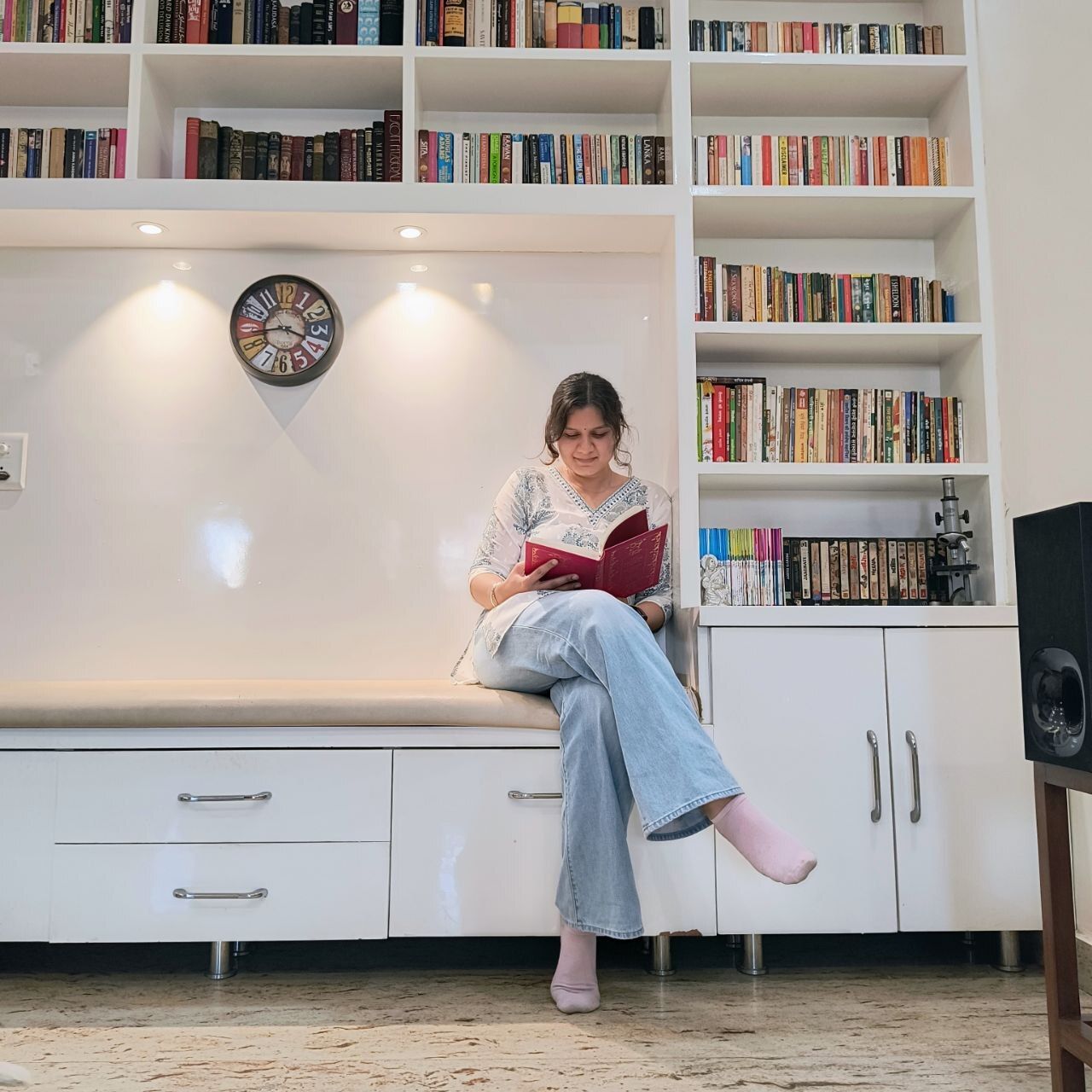
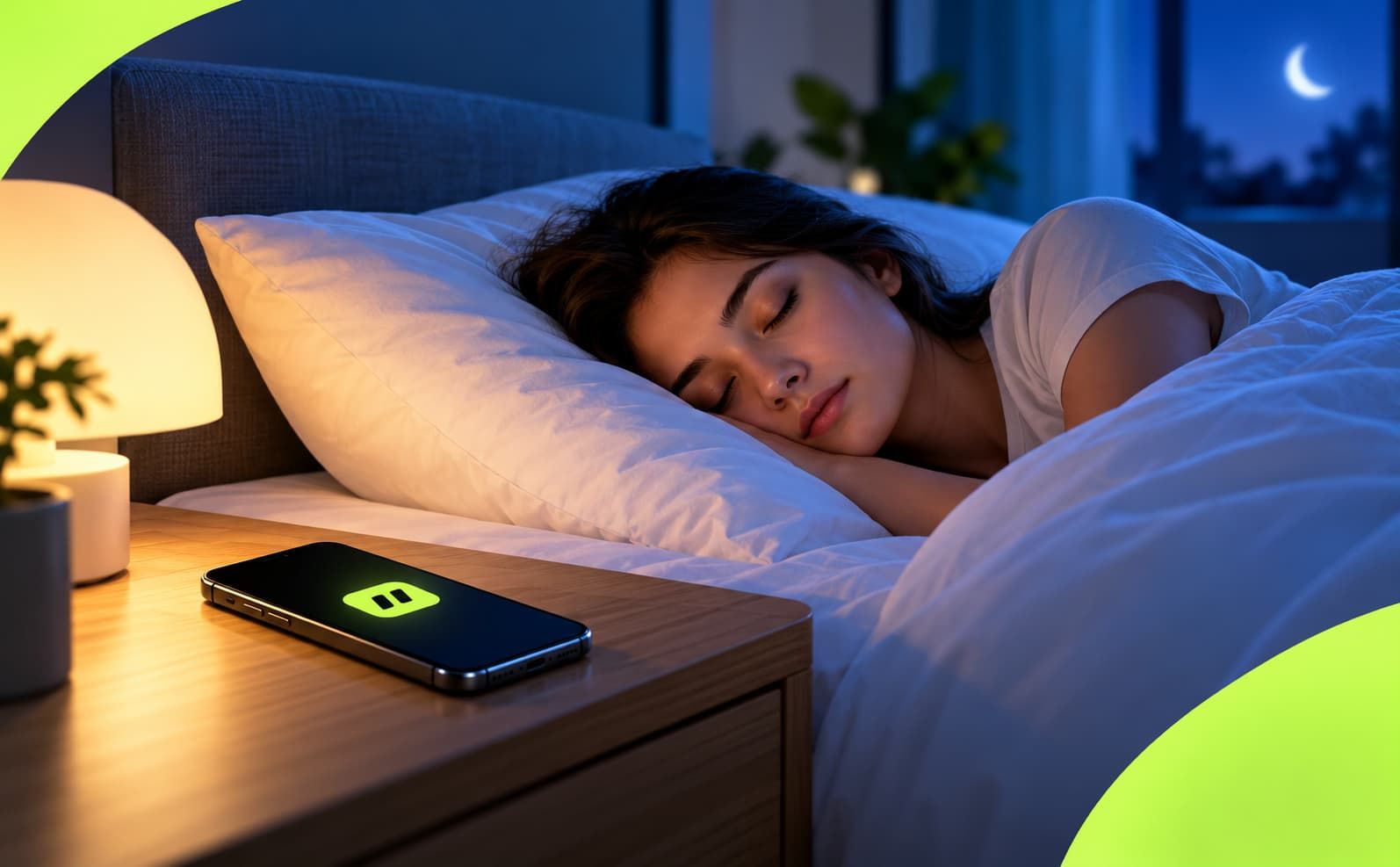
Start small: pick one screen-free activity (reading, stretching, journaling) and do it at the same time each night, 30-60 minutes before bed. Charge your phone outside the bedroom so it's not a temptation. Replace the habit loop; don't just remove it, swap scrolling for something equally satisfying, like a podcast or herbal tea.
Consistency matters more than perfection; even a shortened routine done nightly beats an elaborate one done sporadically. This isn't just anecdotal;
a cross-sectional study of medical students found that nighttime screen use is associated with poor sleep and may represent an emerging public health concern, which is exactly why sticking with a screen-free routine, rather than trying it once, is what actually moves the needle.
Small Changes That Make Falling Asleep Easier
You don't need a complete overhaul; small tweaks compound. Dim the lights an hour before bed to help your body ease into
melatonin production. Keep your room cool, dark, and quiet since temperature drops signal your body it's time to sleep. Try a consistent wind-down cue, like a specific song or scent, so your brain learns to associate it with rest. Avoid caffeine and heavy meals late in the day, and if your mind is racing, jot down tomorrow's to-do list to offload the worry. None of these require willpower alone; they work by gently reshaping your environment and habits.
How To Use Jolt Screen Time Application To Fix Your Night Routine?
A simple, step-by-step setup to reduce late-night scrolling and build a consistent sleep schedule without relying on willpower.
Step 1: Set a real bedtime and wake time
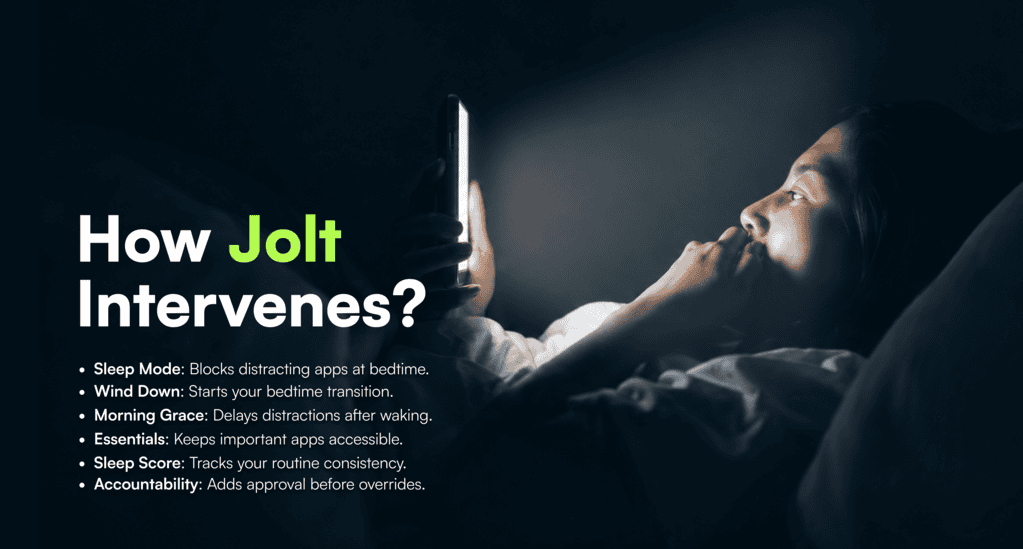
Sleep Mode. Start with Sleep Mode. You set a bedtime and wake time, and your chosen apps are blocked automatically during those hours; no need to remember to turn anything on each night.
Step 2: Add a wind-down period before bed
Rather than a hard cutoff the second the clock hits your bedtime, Sleep Mode lets you set a wind-down period leading up to it. You choose whether this is a gentle reminder or a hard block. This gives you a buffer to finish what you're doing and start disengaging, instead of hitting a wall at exactly 10:00 PM.
Step 3: Add a morning grace period too
Late-night scrolling and first-thing-in-the-morning scrolling are often the same habit at opposite ends of the night. Sleep Mode also includes a morning grace period after your wake time, again, either a soft prompt or a full block, so you're not reaching for the same distracting apps the second you open your eyes.
Step 4: Choose what stays reachable
You pick which apps are always allowed during sleep hours, your alarm, a meditation app, or emergency contacts, for example. You can also use Always Allowed Apps more broadly across Jolt for things like Phone, Messages, or banking apps that should never be blocked by any feature, night or day. This means Sleep Mode blocks the apps that keep you up without cutting off things you might genuinely need.
Step 5: Use your Sleep Score to see if it's actually working
Jolt shows you a sleep score and insights about your sleep routine based on your Sleep Mode activity. Instead of guessing whether the new bedtime routine is sticking, you get direct feedback on consistency, which is the thing that actually matters for sleep quality over time, more than any single night.
Step 6: If you're still tempted to override it, add backup
Accountability Partner. Sleep Mode does the heavy lifting, but if you know you'll be tempted to disable it mid-scroll at midnight, an Accountability Partner can require their approval before certain changes, like turning off a block early, go through. Jolt sends them a request, and they approve or deny it from their own phone. It's a second layer for the nights your own resolve isn't enough.
Why a Soft Reminder Often Isn’t Enough
FAQ
Will Sleep Mode block apps I actually need at night, like my alarm?
No, you choose which apps stay allowed during sleep hours, such as your alarm, a meditation app, or emergency contacts, so those remain reachable while distracting apps stay blocked.
How do I know if my new bedtime routine is actually working?
Jolt gives you a sleep score and insights based on your Sleep Mode activity, so you can see how consistent your routine is over time rather than guessing.
I keep turning the block off the moment I want to scroll; what helps with that?
Adding an Accountability Partner means certain changes, like disabling a block early, need their approval first, which adds friction at exactly the moment your own willpower is weakest.
Does late-night scrolling really affect sleep quality, or is that overstated?
Screens close to bedtime delay melatonin release and sleep onset, and stimulating or emotionally charged content can activate a stress response that makes it harder to relax into sleep. The effect is well documented, even if the exact severity varies person to person.

 Download Now
 Take charge of your time