7 Best Apple Screen Time Alternatives That Actually Enforce Limits (2026)
5-minute read
The best Apple Screen Time alternatives for people who keep ignoring their own limits are the ones that remove the “Ignore Limit” button entirely. Jolt, Opal, and Freedom are the strongest general picks, each enforcing blocks in a way that can't be dismissed with a single tap the way Apple's native tool can. Which one fits best depends on whether you want on-demand blocking with built-in accountability (Jolt), the strictest possible lockout with analytics (Opal), or coverage across your phone and computer (Freedom). Below are seven real alternatives, each evaluated honestly on how hard they actually are to bypass.
Why Apple Screen Time Doesn't Hold Up for Self-Management
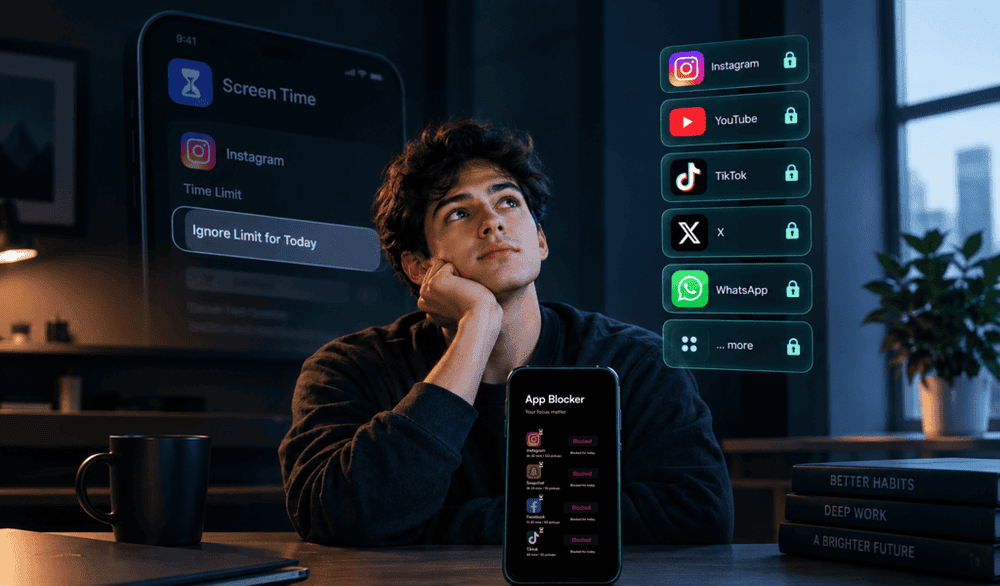
Screen Time was built as a parental control tool, with a parent setting limits for a child. When you use it to limit your own behavior instead, you're both the person setting the rule and the person who can break it, and Apple's design reflects that conflict directly. Every restricted app shows an “Ignore Limit for Today” option a single tap away, and the passcode protecting your settings can be reset by the same person it's meant to restrict: you. For managing someone else's phone, that's a reasonable design. For managing your own habits, it means the restriction only holds as long as you don't feel like breaking it, which, for most people trying to fix a real overuse problem, is precisely the moment it needs to hold.
1. Jolt: Best for On-Demand Enforcement With Built-In Accountability
Jolt blocks chosen apps through Sessions (recurring, scheduled blocking) and Focus Session (on-demand blocking you start instantly, with the option to hide app icons completely). Neither offers a dismiss button once active. What sets it apart from a pure blocker is
Accountability Partner: a trusted friend or family member has to approve certain changes, like ending a session early, before they take effect, closing the exact loophole that makes Screen Time's passcode reset so easy to exploit on yourself.
Best for: people who know a technical block alone isn't enough and want a second person in the loop before they can undo their own rules.
2. Opal: Best for the Strictest Possible Lockout
Opal enforces blocking rules at the system level rather than relying on a dismissible overlay, and its Deep Focus mode is specifically built so you can't back out once a session has started. It also scores your daily focus consistency with a Focus Score, giving you a single number to track over time. It's iOS-first and priced at the higher end of this category.
Best for: iPhone users who've repeatedly broken their own Screen Time limits and want the hardest lockout available, with detailed analytics as a bonus.
3. Freedom: Best for Blocking Across Your Phone and Computer Together
Freedom syncs blocking sessions across iOS, Android, Mac, Windows, and Chrome from one account, which matters if your real problem isn't just your phone; a laptop browser tab undoes phone-only discipline just as easily. Its Locked Mode prevents sessions from being canceled once they start, short of a deliberately inconvenient emergency override.
Best for: anyone whose distraction habit isn't confined to their phone.
4. AppBlock: Best Free-Tier Option With Strict Mode and Location Rules
AppBlock offers a Strict Mode designed to resist casual bypassing, alongside scheduling and location-based rules, blocking specific apps automatically based on GPS or Wi-Fi network. Its core features are available without a paid subscription, which sets it apart from several stricter competitors.
Best for: Android users specifically who want strict, location-aware blocking without paying upfront**.**
5. Habit Doom: Best for Tying Access to Completed Habits Instead of a Timer
Habit Doom takes a different approach entirely: distracting apps stay locked by default, and unlock only once you've completed the daily habits you define, reading, exercise, study, or anything else. There's no timer to remember and no “Ignore Limit” button. Its tamper-resistant enforcement is built to hold even through an uninstall attempt, a force-quit, or changing the system clock, all common ways people work around weaker blockers.
Best for: people who respond better to an earn-your-screen-time structure than a straightforward countdown-based block.
6. ScreenZen: Best Genuinely Free Option
ScreenZen combines custom schedules, app limits, and a breathing-exercise delay before opening a blocked app, without requiring payment for its core features. It's less strict than a full lockout tool, but it offers meaningfully more resistance than Apple's one-tap dismiss.
Best for: anyone who wants more friction than Screen Time provides without committing to a paid subscription first.
7. Cold Turkey: Best as a Companion for Your Computer, Not Your Phone
Cold Turkey is desktop-only, but it's worth knowing about for exactly that reason: it's built to be extremely difficult to disable once a block starts, covering websites, applications, or your whole internet connection. It won't replace a phone-based Screen Time alternative on its own, but pairing it with one of the phone-focused options above covers both sides of the problem.
Best for: people whose Screen Time frustration is really a computer problem as much as a phone problem.
What to Actually Look for Beyond This List
If you're evaluating an alternative not covered here, the deciding question is simple: once the limit is reached or you want to quit early, how much effort does it take to get around it? A tool that adds a screen you can tap through in under a second is functionally similar to Screen Time, regardless of what it's called. A tool that requires a genuine delay, a locked mode, a completed habit, or another person's approval is doing something meaningfully different.
FAQ
Why doesn't Apple Screen Time work for people managing their own phone use?
Screen Time was designed as a parental control tool, so it assumes the person setting the limit and the person restricted are different people. When you use it on yourself, you can dismiss the limit or reset the passcode at any time, which removes the enforcement the system depends on.
What's the single strictest Apple Screen Time alternative?
Opal's Deep Focus mode and Habit Doom's tamper-resistant enforcement are both built specifically to resist common bypass methods like uninstalling the app, force-quitting, or changing the system clock, stricter than most scheduled blockers.
Is a free alternative to Screen Time actually any better?
Yes, in some cases, AppBlock and ScreenZen both offer real friction (Strict Mode and breathing-exercise delays, respectively) without requiring payment, though neither matches the strictest paid lockout tools.
Do I need a different app for my phone and my computer?
Not necessarily; Freedom is built specifically to sync blocking across both from one account. Most phone-focused alternatives, including Jolt, would need to be paired with a separate desktop tool like Cold Turkey if your computer is also a major distraction source.
What actually makes an alternative “enforce” limits rather than just display them?
The test is what happens when you try to get around it: a dismiss button that takes one tap is not real enforcement, while a mandatory delay, a locked session, a completed-habit requirement, or another person's approval all raise that cost meaningfully.
If the gap in your setup is specifically that you can dismiss your own limits without anyone noticing, that's the one problem Jolt's Accountability Partner is built to close.
References

 Download Now
 Take charge of your time