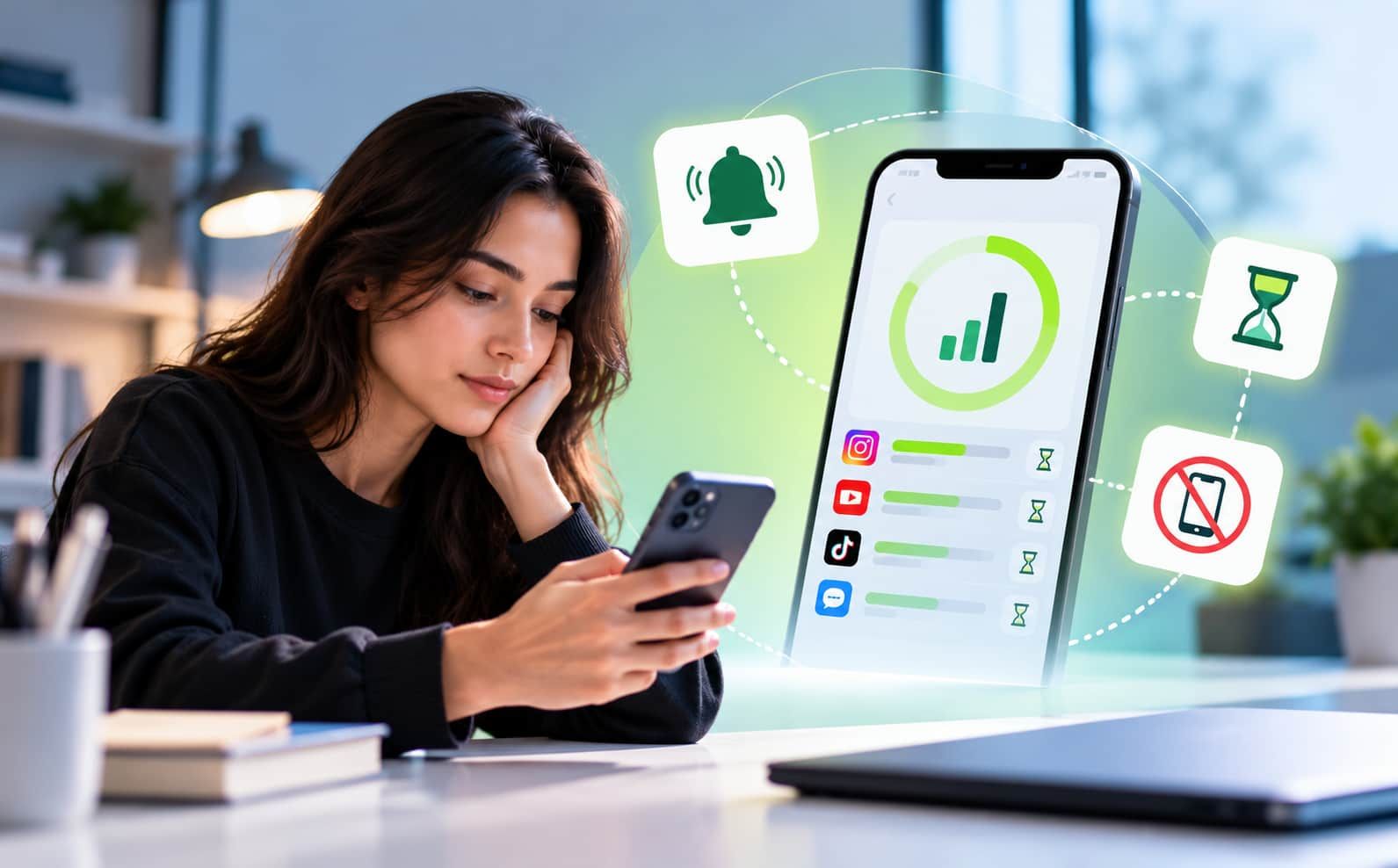
Best Focus & App-Blocking Apps for Students (2026)
5-minute read
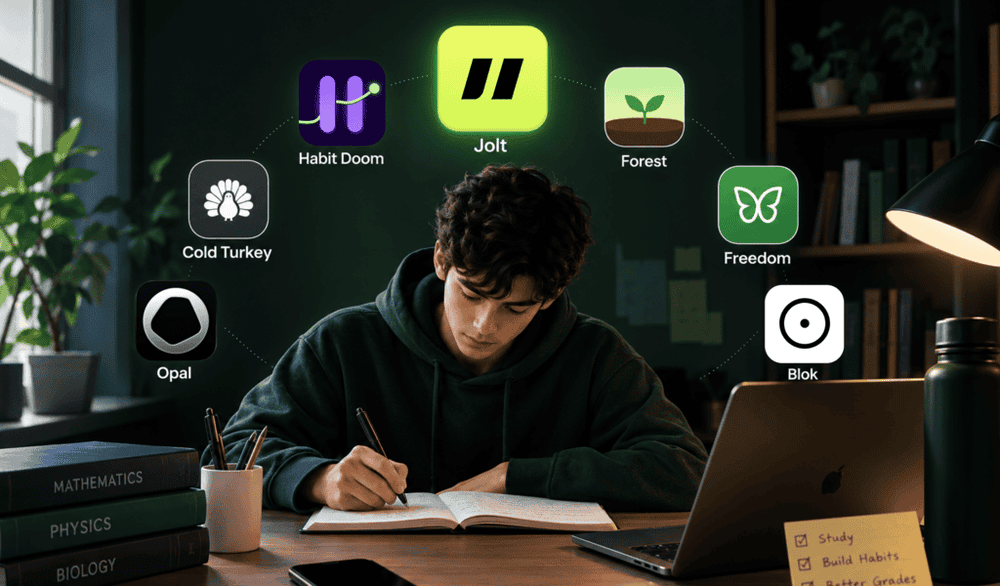
There's no single best focus app for every student, because student distraction problems aren't all the same: late-night cramming needs different enforcement than a scheduled study block, and someone who overrides their own limits needs a different tool than someone who just needs a reason to sit still. Jolt and Habit Doom are the strongest picks for students who need real enforcement rather than a reminder; Forest suits students who respond better to a reward system; and Cold Turkey and Freedom matter specifically if your studying happens as much on a laptop as a phone. The list below is organized by what each one actually solves.
Why Student Distraction Is a Different Problem Than General Phone Overuse
Students don't study on a fixed 9-to-5 schedule the way office workers do. Study sessions happen late at night, get squeezed in between classes, or run long right before an exam, all at times when willpower tends to be at its lowest. A good student-focused tool needs to handle irregular timing, work during group study without becoming unusable, and avoid accidentally blocking legitimate study tools like note-taking apps or calculators. A blocker built only around a fixed daily schedule often doesn't fit how students actually work.
1. Jolt: Best for Combining On-Demand Blocking with Real Accountability
Jolt covers both sides of a student's schedule: Sessions handle regular study hours automatically, while Focus Session starts instantly for unplanned sessions, a last-minute review, an unscheduled library trip, and can hide distracting app icons completely so they're not even visible. The part that matters most for students specifically is
Accountability Partner: a parent, sibling, or friend has to approve certain changes, like ending a session early, before they take effect, which directly addresses the late-night willpower problem rather than just adding another reminder.
Best for: students whose real problem is quietly turning off their own study blocks, not a lack of blocking options.
2. Habit Doom: Best for Tying App Access to Actual Work Completed
Habit Doom locks distracting apps by default and only unlocks them once you've completed daily habits you define, a reading assignment, a set amount of study time, or exercise. There's no timer to remember and no dismiss button. Its enforcement is built to hold even through an uninstall attempt, a force-quit, or a system clock change, which are common ways students find around weaker blockers during exam weeks specifically.
Best for: students who respond better to an earn-your-screen-time structure than a straightforward countdown block.
3. Forest: Best for Making Focus Feel Rewarding Instead of Restrictive
Forest is one of the most recognized focus apps among students specifically: you plant a virtual tree at the start of a study session, and it grows as long as you stay off your phone; leaving early kills it. It's a one-time purchase on iOS ($3.99, no subscription) and free on Android with optional in-app purchases, and it leans entirely on positive reinforcement rather than hard enforcement.
Best for: students who need motivation to start focusing more than they need strict enforcement to keep going.
4. Cold Turkey: Best for Laptop-Based Studying
A large share of student distraction happens on a laptop, not a phone: open tabs, messaging apps, YouTube in another window. Cold Turkey is desktop-only but built to be extremely difficult to disable once a block starts, covering websites, specific applications, or the entire internet connection during a study block.
Best for: students whose actual distraction problem is their laptop as much as (or more than) their phone.
5. Freedom: Best for Covering Phone and Laptop with One Account
Freedom syncs blocking sessions across phone, Mac, Windows, and Chrome, which matters for students juggling lecture notes, research tabs, and a phone in the same study session; a distraction on either device can undo the discipline built on the other. Its locked mode prevents ending a session early except through a deliberately inconvenient override.
Best for: students who don't want to manage two separate blocking tools for their phone and their laptop.
6. Opal: Best for Detailed Study-Session Analytics
Opal pairs scheduled blocking sessions with a daily Focus Score and detailed usage tracking, which suits students who want to see their study consistency improve over a semester rather than just block distractions in the moment. Its Deep Focus mode is built specifically to resist backing out mid-session.
Best for: students motivated by visible data and trends, not just the block itself.
7. Blok: Best for a Physical, Hardware-Based Commitment Device
Blok takes an unconventional approach: a physical NFC card, keychain, or magnet you tap to start or end a blocking session, making the block harder to bypass than a pure software toggle since disabling it requires physically locating and using the device rather than just tapping a screen. It's a niche pick, but a genuinely different mechanism worth knowing about for students who've defeated every software-only blocker they've tried.
Best for: students who've found that software-only blockers are too easy to dismiss and want a physical barrier instead.
What Actually Improves Grades: Blocking, or Something Else?
It's worth being honest about a common overstatement: an app blocker on its own doesn't directly raise a GPA. What the research on time-blocking and structured study habits suggests is that protecting focused study time consistently- not cramming, not fragmented attention- is what correlates with better outcomes. A blocking app's real job is protecting that time from getting eaten by distraction; the studying itself still has to happen inside it.
FAQ
What's the single best app-blocking app for students?
There isn't one universal answer; it depends on whether the problem is quietly overriding your own limits, needing motivation to start, or distraction spread across a phone and a laptop. The list above is organized by which specific problem each app actually solves.
Do I need a different tool for late-night cramming versus regular study hours?
Not necessarily, but it helps to have both a scheduled option for regular study times and an on-demand option for unplanned sessions, since late-night cramming rarely follows a fixed schedule.
Will blocking apps also block things I need for studying, like a calculator or notes app?
A well-designed blocker lets you keep specific apps always reachable regardless of any active block, so tools genuinely needed for studying stay available while distracting apps stay blocked.
Does an app blocker actually improve grades on its own?
Not directly; a blocker protects your study time from distraction, but the studying itself still has to happen. Research on structured, protected study time suggests consistency matters more than any single tool.
What if I keep disabling my own study blocks the moment I get bored?
This is usually a sign the tool isn't providing real enforcement. Options that add a deliberate delay before disabling a session, or that require a parent or friend's approval before a change takes effect, address this directly, unlike a simple reminder-based limit.
If the moment you keep losing is the one where you talk yourself out of your own study block, that's exactly what Jolt's Accountability Partner is built to close.
References

 Download Now
 Take charge of your time


 Twinkle