How to Actually Stick to Screen Time Limits (When Willpower Fails)
The reason you keep ignoring your screen time limits almost certainly isn't a willpower problem; it's that most limits are designed to be dismissed. Apple's built-in Screen Time, and plenty of third-party tools like it, let you tap "Ignore Limit" or "Remind Me in 15 Minutes" the moment a limit hits, which means the restriction only holds as long as you feel like letting it. Sticking to a limit "for real" requires a tool where breaking it takes more than a tap, not more self-control.
This matters because a lot of advice for this problem focuses on the wrong lever. It tells you to try harder, set reminders, or build more awareness, all useful, but none of it changes the fact that a limit you can dismiss in one motion was never really enforced in the first place.
Why does willpower keep losing to a one-tap override?
Automatic, impulsive phone checking runs on fast, low-effort thinking; you don't deliberate before tapping "ignore"; you just do it, often before you've consciously registered the decision at all. A soft limit doesn't interrupt that reflex; it just adds a screen you tap through on your way to the same outcome. The limit "existing" was never the issue. The issue is that overriding it costs you nothing.
What separates limits that hold from limits that don't?
Across the tools and approaches people use for this, the ones that actually work share two traits: overriding them takes
deliberate, non-trivial effort, and the decision to override isn't yours to make entirely alone. Everything else- better reminders, more motivation, tracking your stats more closely- helps at the margins, but doesn't fix a limit that can be dismissed in a single tap. If a limit doesn't have at least one of these two traits, it's really just a suggestion with a timer attached.
Why late nights and mornings are usually where limits break down first
For a lot of people, the moment a limit actually gets tested isn't during a normal, alert part of the day; it's late at night, when
tiredness lowers resistance, or first thing in the morning, before the day's other priorities have kicked in. A limit that's easy to dismiss in general becomes almost meaningless during these specific windows, since they're exactly when the effort to resist an override is lowest. Any real fix needs to account for these hours specifically, not just apply a blanket daytime rule.
Step 1: Stop relying on limits you can dismiss in one tap
The first real step is recognizing that if your current setup lets you override a limit with a single button press, the problem isn't your discipline, it's the tool. Before adding more willpower-based strategies on top of a weak limit, switch to a tool built around actual enforcement.
Step 2: Set limits to block, not just warn
A limit that blocks access outright once it's reached is fundamentally different from one that pauses and offers a "continue anyway" option. The second kind is a reminder wearing a limit's clothing. Look for tools where hitting the limit actually ends access for the day, with no dismiss option sitting in between.
Step 3: Remove the daily decision entirely during set hours
For the specific hours you most need to stay off certain apps, work, study, family time, a recurring, automatic block removes the need to decide anything in the moment. Add a deliberate delay before that block can be turned off early, so even changing your mind mid-session takes real effort instead of one tap.
Step 4: Add a second person to the decision
This is the step that addresses willpower failure most directly. Requiring someone else's approval before you can back out of your own limit changes the nature of the decision; instead of something you can quietly undo alone, it becomes something you'd have to explain to another person. That single shift is often what holds when nothing else has.
Step 5: Give late nights and mornings their own dedicated block
Rather than relying on your general daytime setup to cover these hours too, set a specific bedtime-to-wake-time block with its own rules, ideally a hard block rather than a soft reminder, given how much resistance drops during these windows.
Step 6: Keep essential tools reachable
Part of why people override limits is fear of being cut off from something they need. Build a short list of apps that stay reachable no matter what: phone, messaging, maps, banking, so a stricter block doesn't feel like an all-or-nothing risk.
Step 7: Track whether it's actually holding
After a couple of weeks, look at whether the limit is actually being respected, not just whether it's still turned on. If you're still finding ways around it, the fix is usually to tighten the specific mechanism that's failing, add a longer override delay, or add a second approval step- not to give up and go back to relying on willpower alone.
How Jolt Can Help
Jolt's features map directly onto the steps above, rather than requiring you to piece together the enforcement yourself:
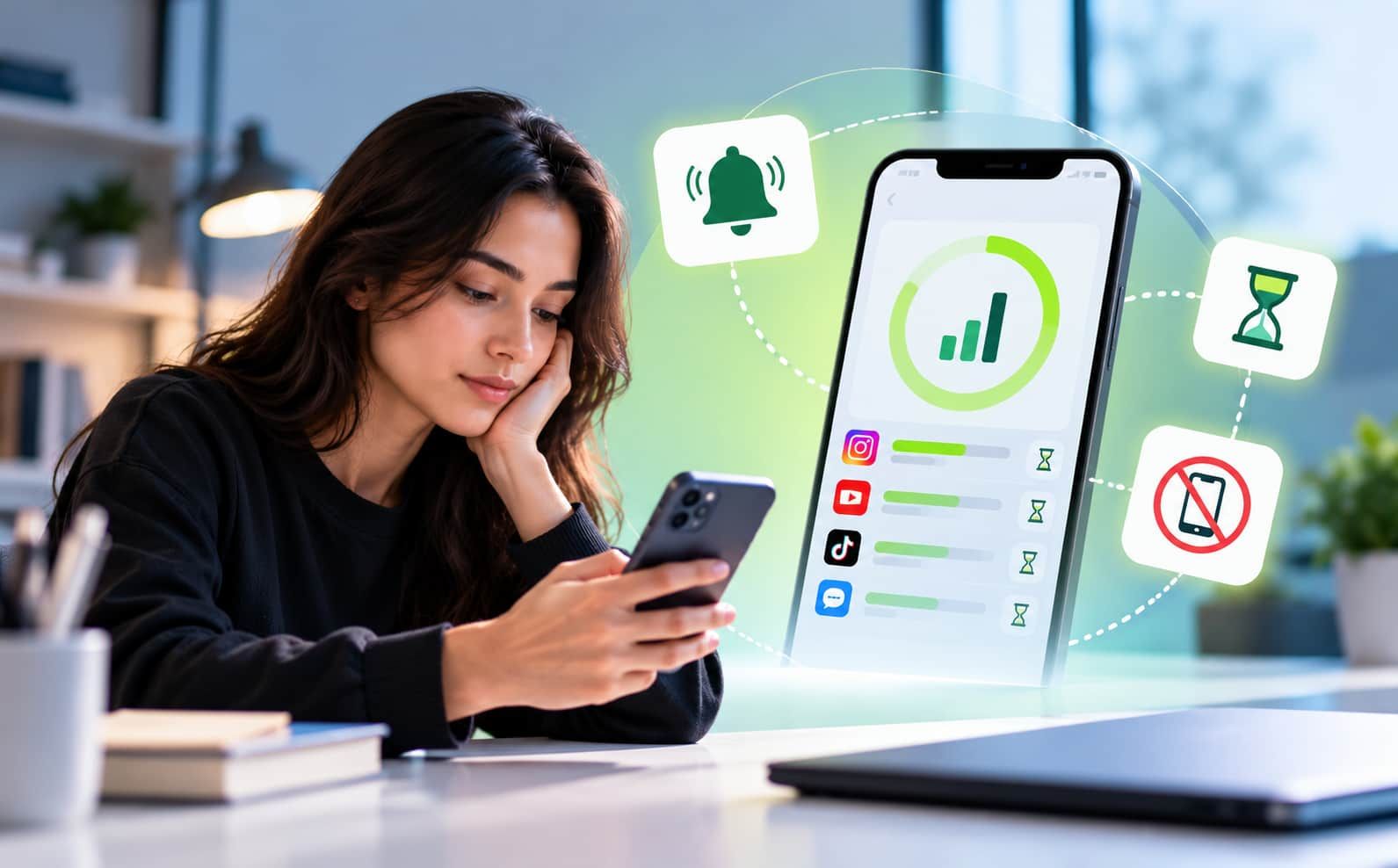
- Duration Limit and Open Limit turn a limit into an actual block: once you hit a daily time budget or a cap on daily opens, the app is blocked for the rest of the day, with no "ignore limit" option in between.
- Sessions remove the daily decision entirely: choose the apps, days, and time window, and the block activates and lifts automatically, with an optional waiting period before it can be turned off early.
- Accountability Partner brings a second person into the decision; a trusted friend or family member has to approve certain changes, like ending a session early or lowering a limit, before they take effect. Jolt sends them a request, and they approve or deny it from their own phone.
- Sleep Mode gives late nights and mornings their own dedicated protection, a bedtime and wake time, with a wind-down period beforehand and a morning grace period after, either as a soft prompt or a full block for the hours willpower tends to be weakest.
- Always Allowed Apps keeps essentials reachable no matter what; apps you select, like Phone, Messages, Maps, or banking apps, bypass every blocking rule in Jolt.
- Weekly Report and Screen Time Insights show you whether it's actually holding, week-over-week trends, your most distracted hour, and daily, weekly, or monthly usage patterns, so you're not just guessing.
FAQ
Why do I keep ignoring my screen time limits even when I set them myself?
Most default limits, including Apple's Screen Time, let you dismiss or override them in a single tap. Impulsive phone checking happens on autopilot, and a limit that costs nothing to bypass doesn't interrupt that reflex; the issue is usually the weak enforcement, not a lack of discipline.
Is it actually possible to make a screen time limit hold, or is some cheating inevitable?
It's possible, but it requires more than the limit existing; it requires overriding it to take real effort. Blocking that doesn't offer a dismiss option, a mandatory waiting period before turning off a session, and requiring someone else's approval to make changes are all ways to raise that effort meaningfully.
Does having someone else involved actually help more than doing it alone?
For a lot of people, yes, bringing in another person changes the decision from something you can make quietly and alone to something you'd have to explain to another person, which is often enough friction to stop the override in the moment.
What if my willpower is worse late at night or first thing in the morning?
Setting those specific hours as a hard block rather than a soft reminder, through a dedicated sleep schedule, for example, targets the exact window where limits usually fail, instead of relying on general daytime discipline to cover it.
Will a stricter limit cut me off from things I actually need?
No, as long as you build an always-allowed list for essential apps like Phone, Messages, or banking apps first, those stay reachable regardless of any block or limit you set elsewhere.

 Download Now
 Take charge of your time