GPS Blocking: Let Your Location Do the Self-Control for You
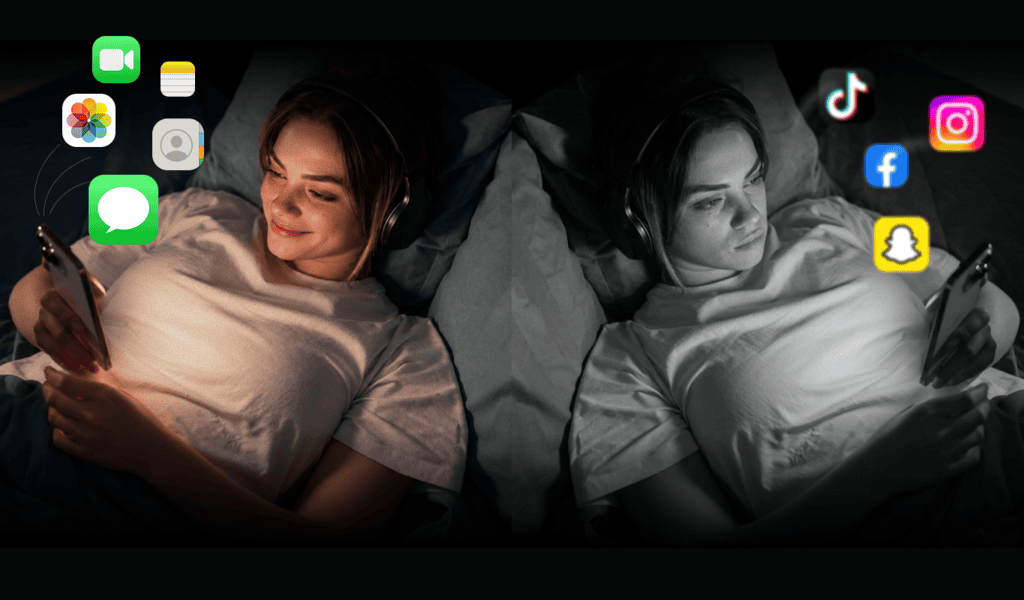
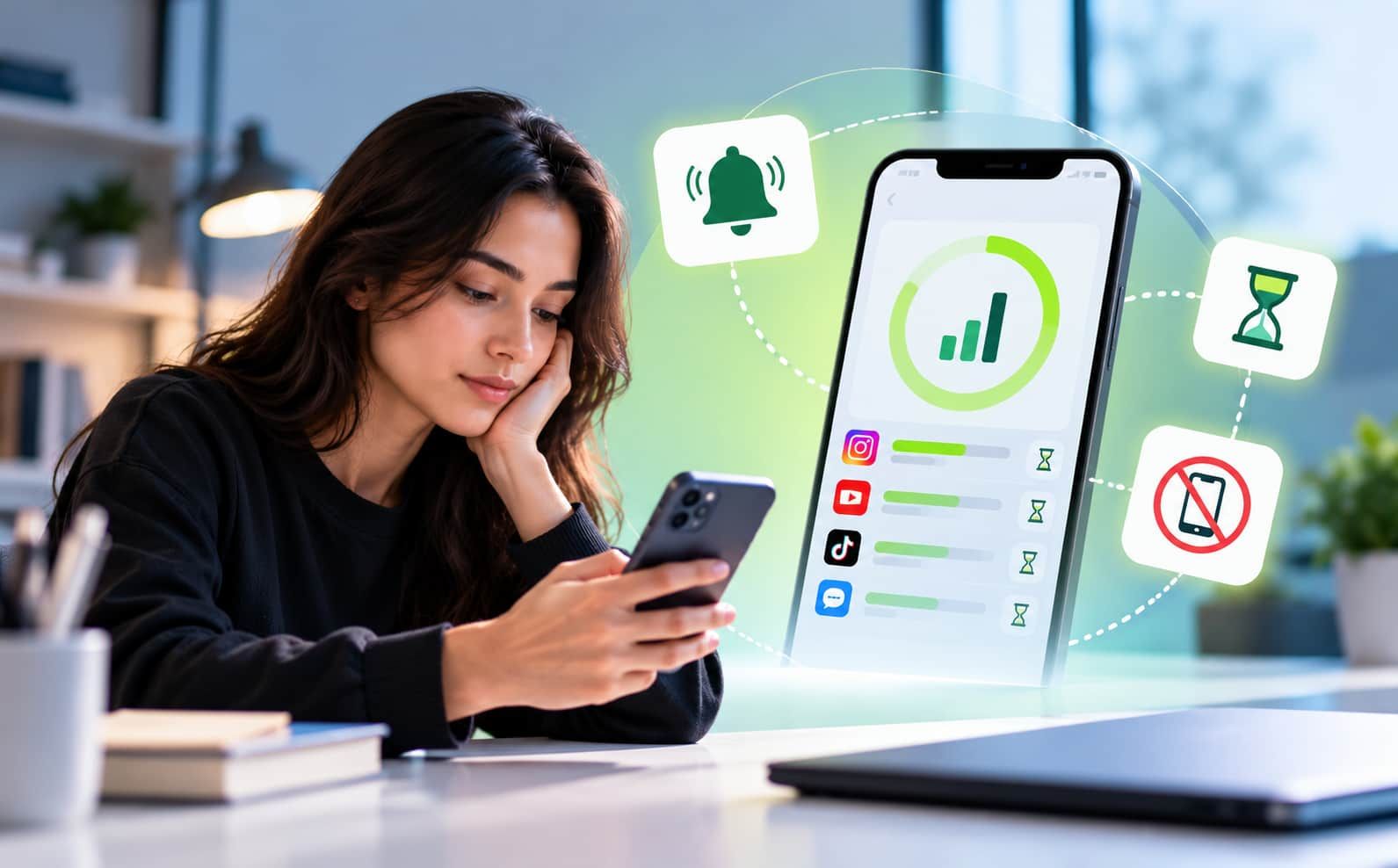
Overview: Ever notice how walking into the office makes your thumb drift toward Instagram, or sitting in class makes a game suddenly irresistible? GPS Blocking turns your surroundings into your ally instead of your enemy. Set a zone, pick your distracting apps, and let your phone lock them the moment you arrive, no willpower, no reminders, no manual toggling required.
Why Location Matters More Than Willpower
Most people try to fight distraction with discipline alone, promising themselves they won't check social media at work, or won't open games during a lecture. The problem is that willpower is unreliable, especially when it's competing against habit loops built around specific places. You don't decide to reach for your phone in a lecture hall; your brain does it automatically because that's the pattern it has learned.
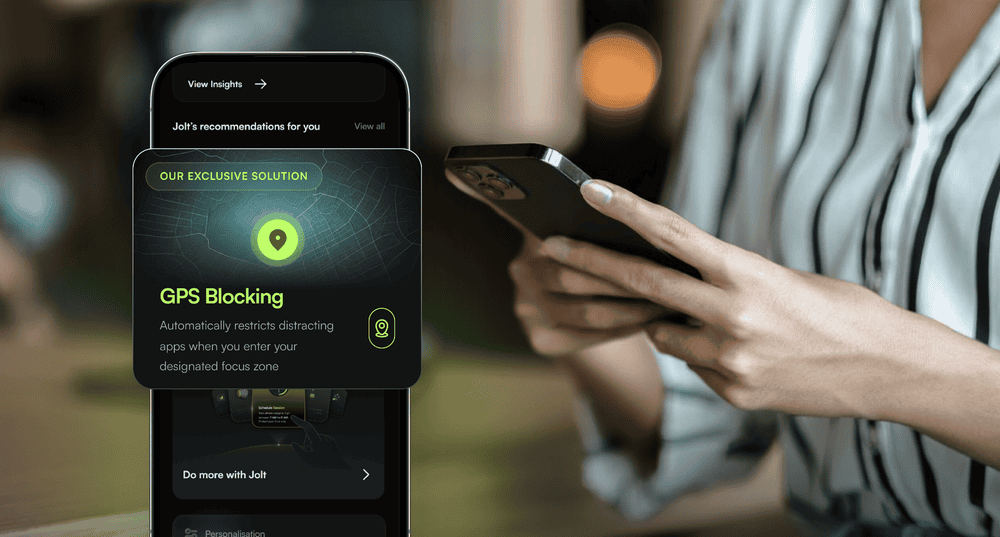
This is exactly the gap GPS Blocking is designed to close. Instead of relying on memory or self-discipline in the moment, it uses your actual location as the trigger. The moment the context changes, you walk into your office, your school, your gym, the environment itself removes the option to get distracted. There's nothing to remember, nothing to switch on, and nothing to forget to switch off.
How GPS Blocking Works
Setting it up takes just a few steps:
- Define a zone — Mark a location on the map, whether it's your workplace, your school, your gym, or anywhere else distraction tends to strike.
- Choose your apps — Select exactly which apps should be blocked while you're inside that zone. Social media, games, streaming apps, whatever pulls your focus away.
- Set your schedule — Choose which days of the week the block should be active, so it fits naturally around your routine (weekdays at the office, class days at school, and so on).
- Let it run automatically — Once it's set, GPS Blocking works quietly in the background. Step into the zone, and your chosen apps lock instantly. Step out, and they unlock, no action needed from you at any point.
The Real Benefit: Removing the Decision Entirely
The biggest advantage of GPS Blocking isn't just that it blocks apps, it's that it removes the moment of decision altogether. You're not being asked to resist temptation; the temptation simply isn't available in that context anymore. Over time, this can help break the automatic association between a place and a distracting habit, since the phone no longer offers that option there.
Because it runs entirely on location and requires zero manual activation, it also solves the most common failure point of other focus tools: forgetting to turn them on. Your context does the enforcing, consistently and quietly, every single time you show up.
Conclusion
GPS Blocking turns the places where you lose focus into places where distraction simply can't follow you. By tying app blocks directly to your location, it removes the guesswork, the reminders, and the willpower battles, leaving you free to be present, wherever you are.
FAQs
Does GPS Blocking work if I don't have an internet connection?
Since it relies on your phone's location services rather than constant internet access, it can detect zone entry and exit even with limited connectivity, though initial setup typically requires an internet connection.
Can I set up multiple zones with different app blocks?
Yes, you can define separate zones (like your office, school, and gym) and customize which apps are blocked in each one, along with different active days for each zone.
What happens if I need to use a blocked app urgently while inside a zone?
This depends on the specific app's override or emergency-access settings, but the core design intentionally makes blocked apps inaccessible within the zone to reinforce the habit-breaking effect.

 Download Now
 Take charge of your time


 Twinkle