What Are the Brain-Friendly Screen Habits for Students and Teens
Screens are now part of learning. Students use phones, tablets, and laptops for study, communication, and entertainment. But not all screen use is healthy. The way screens are used can either support the brain or harm it.
Research shows that
excessive and unstructured screen time can affect attention, memory, and learning ability . At the same time, controlled and meaningful screen use can support neuroplasticity, which is the brain’s ability to learn and adapt.
This means one important thing:
It is not about removing screens. It is about building brain-friendly screen habits.
How Screen Time Affects the Brain
The brain of students and teens is still developing. This stage is very sensitive.
Studies show that high screen exposure can:
- Reduce attention performance
- Affect cognitive control and decision-making
- Impact sleep and mental health
At the same time, the brain is highly adaptable. This is called neuroplasticity.
When
students use screens in a structured and meaningful way, the brain forms stronger connections. This improves learning and memory.
The goal is to guide screen use in a way that supports brain development.
What Are Brain-Friendly Screen Habits?
Brain-friendly screen habits are patterns of using screens that support:
- Focus
- Attention
- Learning
- Emotional balance
These habits are based on how the brain processes information.
They focus on:
- Quality over quantity
- Active use instead of passive use
- Breaks and recovery
- Structured routines
Brain-Friendly Screen Habits for Students and Teens
Habit 1: Use Screens with a Clear Purpose
Random usage confuses the brain. It reduces focus and increases distraction.
Instead, students should:
- Open devices with a clear goal
- Use one app at a time
- Finish the task before switching
Studies show that multitasking reduces efficiency and weakens attention span.
Single-task usage improves focus and learning speed.
Habit 2: Follow the 45–15 Focus Rule
The brain cannot stay focused for long without breaks.
A simple method is:
- 45 minutes of focused work
- 10–15 minutes break
During breaks:
- Avoid screens
- Stretch or walk
- Rest your eyes
This supports brain recovery and prevents overload.
Habit 3: Choose Active Learning Over Passive Scrolling
Not all screen content is equal.
Passive use includes:
- Scrolling social media
- Watching random videos
Active use includes:
- Reading study material
- Solving problems
- Watching educational content
The type of content matters more than screen time.
Habit 4: Protect Attention by Reducing Distractions
Notifications break focus again and again.
Every time attention breaks, the brain takes time to recover.
To improve attention:
- Turn off non-essential notifications
- Use focus mode
- Keep only study apps visible
👉 Fewer distractions mean stronger concentration.
Habit 5: Support Neuroplasticity with Deep Learning Sessions
Neuroplasticity grows when the brain is challenged.
Students should use screens for:
- Deep study sessions
- Skill learning
- Problem-solving tasks
When the brain repeats focused learning, it builds stronger neural connections.
This improves:
- Memory
- Understanding
- Retention
Deep learning is better than fast content consumption.
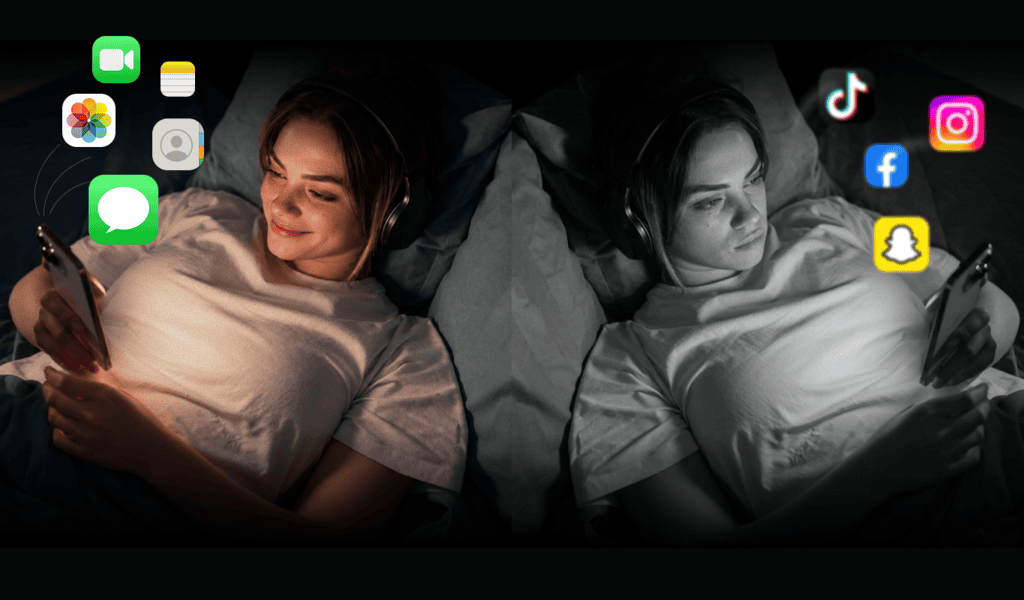
Habit 6: Avoid Screen Use Before Sleep
Sleep is very important for brain growth.
Screen use at night affects sleep cycles.
Research shows that screens can:
- Delay sleep timing
- Reduce sleep quality
- Affect brain recovery
Students should:
- Stop screen use at least 1 hour before sleep
- Avoid bright screens at night
- Use calm activities instead
Better sleep improves learning and focus the next day.
Habit 7: Balance Screen Time with Real Activities
The brain needs real-world experiences.
Too much screen use replaces:
- Physical activity
- Social interaction
- Creative play
PMC Studies show that excessive screen exposure can affect social skills and emotional development .
Students should balance screen time with:
- Outdoor activity
- Face-to-face communication
- Reading physical books
Balance supports overall brain development.
Habit 8: Track and Reflect on Screen Use
Awareness improves habits.
Students should track:
Brain-Friendly Screen Matrix
| Type of Use | Example | Brain Impact |
|---|
| Passive | Social media scrolling | Low focus |
| Reactive | Notifications checking | Distraction |
| Active | Learning and reading | Better retention |
| Deep | Focused study sessions | Strong neuroplasticity |
This helps students understand how their habits affect their brain.
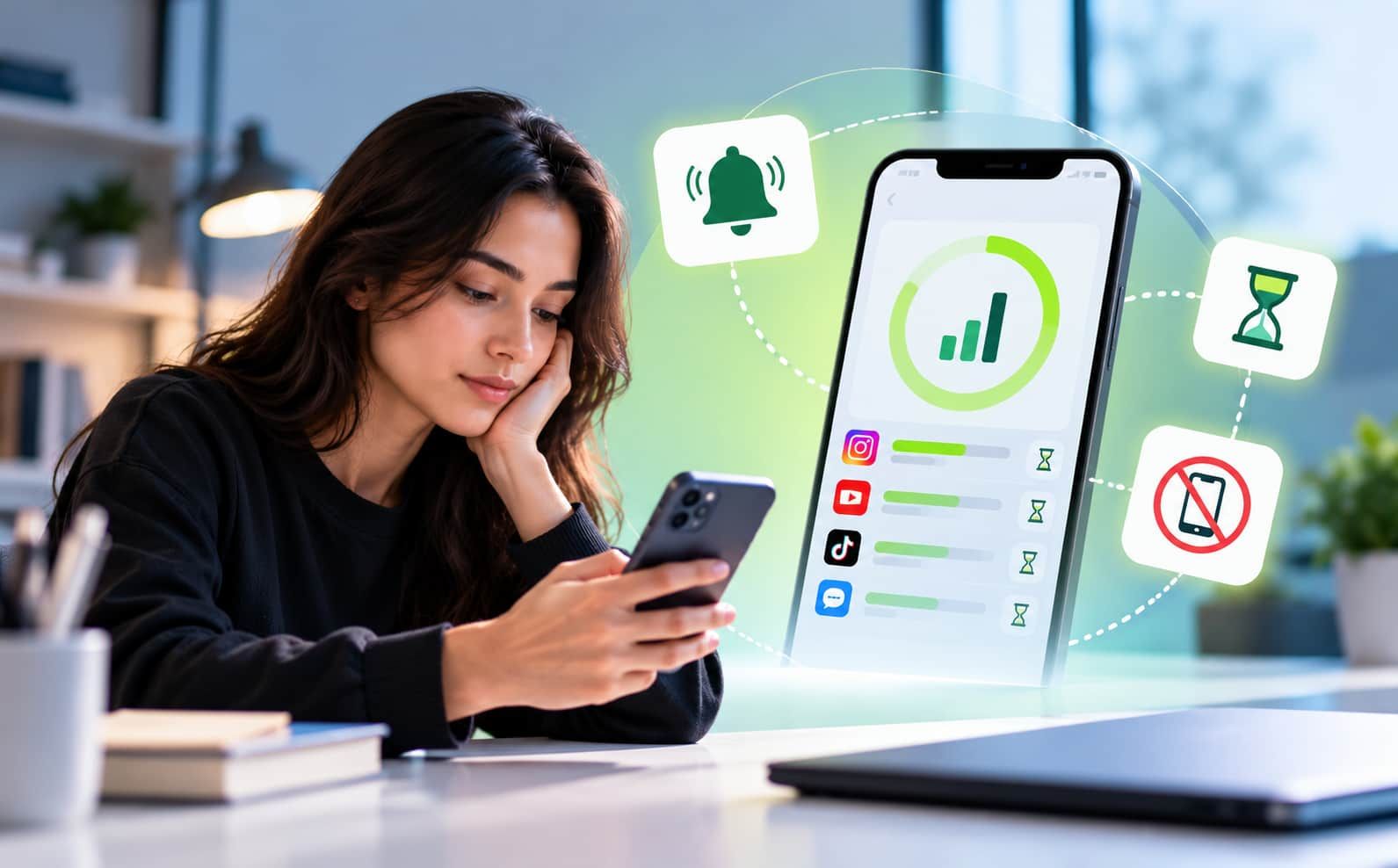
Habit 9: Use Tools to Build Discipline
It is difficult to control screen use only with willpower.
Digital tools can help by:
Tools like Jolt support structured habits.
Technology can help improve digital wellness when used correctly.
Habit 10: Build Consistent Daily Routines
Consistency is important for the brain.
A simple daily routine can include:
- Morning: Planning and light study
- Day: Focus sessions with breaks
- Evening: Revision or learning
- Night: No screen or calm usage
PMC Research shows that structured routines improve learning outcomes and reduce stress .
The brain performs better with predictable patterns.
Conclusion
Screens are not harmful by themselves. The problem comes from how they are used.
When students follow brain-friendly screen habits, screens become tools for learning, focus, and growth. These habits support attention, improve neuroplasticity, and create better learning outcomes.
With structure, active usage, and digital wellness practices, students can build strong and healthy screen habits. Apps like Jolt support this process by helping students stay focused, block distractions, and build better routines.
In the end, the brain grows based on what it repeats. Good habits create a strong and focused mind.
Frequently Asked Questions:
- What are brain-friendly screen habits in simple words?
Brain-friendly screen habits are ways of using screens that help the brain instead of harming it. This includes using screens for learning, keeping focus on one task, taking regular breaks, and avoiding too much scrolling. These habits support better attention, memory, and overall learning.
- How do screens affect focus and attention in students?
Too much or unplanned screen use can reduce focus and attention. When students switch between apps or get constant notifications, the brain gets distracted. Over time, this makes it harder to concentrate on studies. Controlled and structured screen use helps improve attention instead of reducing it.
- What is neuroplasticity and how is it connected to screen habits?
Neuroplasticity is the brain’s ability to learn and change. It becomes stronger when students practice focused learning and repeat useful tasks. If screen time is used for learning and problem-solving, it improves neuroplasticity. If it is used for random scrolling, it weakens focus and learning ability.
- How much screen time is safe for students and teens?
There is no exact number that fits everyone, but research suggests that moderate and structured screen time is better than long, unplanned use. Students should balance screen time with study, rest, and physical activity. The focus should be on quality of use, not just the number of hours.
- What is the easiest way to start building brain-friendly screen habits?
Start with small steps. Use screens with a clear purpose. Turn off unnecessary notifications. Follow simple routines like study sessions with breaks. Replace random scrolling with learning or reading. These small changes help build strong habits over time and improve focus and attention.

 Download Now
 Take charge of your time


 Twinkle