How to Track and Reduce Screen Time for Better Work Output
Tracking and reducing screen time is key to improving work output and productivity. Studies show that the average person spends over
7 hours daily on screens, but less than half this time is productive. Managing this time well can lead to clearer focus, less burnout, and better results in work and studies.
Why Track Your Screen Time?
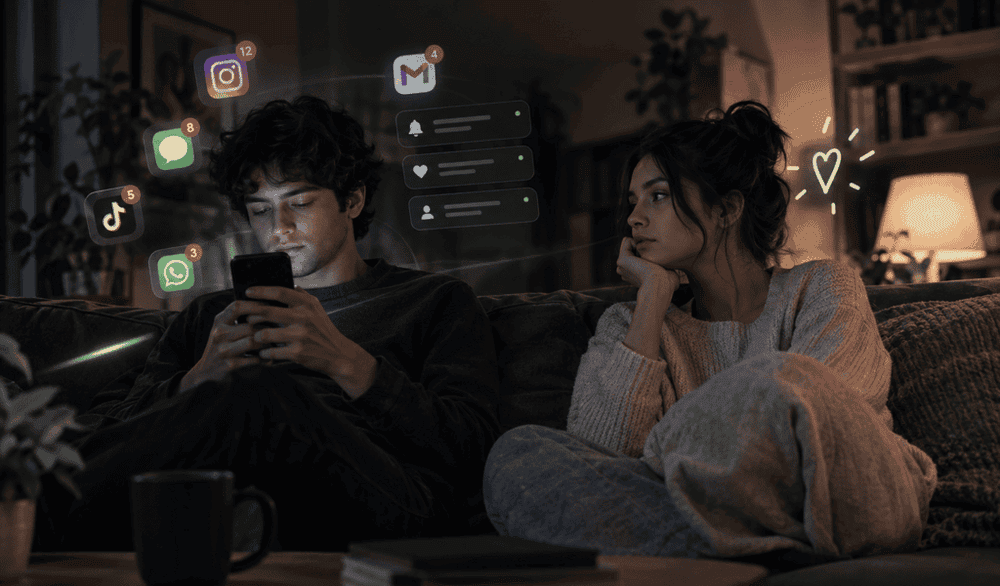
Screen time tracking apps record how long you spend on apps, websites, and devices. This data helps you see exactly where your time goes, revealing unproductive habits such as constant social media scrolling or app hopping.
For example, users often discover they waste several hours daily on distractions, far more than they expected.
Tracking helps by:
- Providing clear daily and weekly reports that show time spent per app or activity.
- Highlighting patterns such as peak distraction times or excessive night use.
- Encouraging accountability by making use visible and measurable.
How Screen Time Impacts Work Output
Excessive screen time means less focus and more interruptions. A typical office worker can lose over 3 hours a day to distractions, reducing efficiency and increasing stress.
Poor time management due to untracked screen use makes projects take longer and lowers quality. Studies show that teams who use time tracking tools report up to
15% higher productivity.
Benefits of tracking and managing screen time include:
- Improved concentration by reducing app-switching and scrolling.
- Better planning by understanding which tasks consume most time.
- Avoiding burnout through timely breaks and balanced screen use.
Best Ways to Track and Reduce Screen Time
To gain the most out of screen time tracking:
- Choose an app that tracks activity automatically in the background across devices.
- Use reports to set realistic daily limits on non-work apps like social media or games.
- Schedule focused work sessions with app blocking to avoid distractions.
- Set reminders for breaks to reduce eye strain and mental fatigue.
- Review your data weekly to adjust limits and improve habits gradually.
Many time tracking apps also include project and task management, making it easier to link screen time to actual work output.
How a Focus Session Helps
Instead of working non-stop until tired, focus sessions break work into timed chunks such as 50 minutes focused work + 10 minutes break. During focus time, distracting apps are blocked automatically. This creates a calm, interruption-free window to build deep concentration.
Such structured screen use helps:
- Increase work efficiency.
- Reduce procrastination.
- Improve quality by giving the brain time to process without overload.
Conclusion:
Tracking your screen time is the first step toward managing it and boosting your work output. Clear insight into your app use and daily screen habits helps you identify distractions and build better routines.
Using digital wellbeing tools that offer screen time tracking, app blocking, and focused sessions can make a real difference.
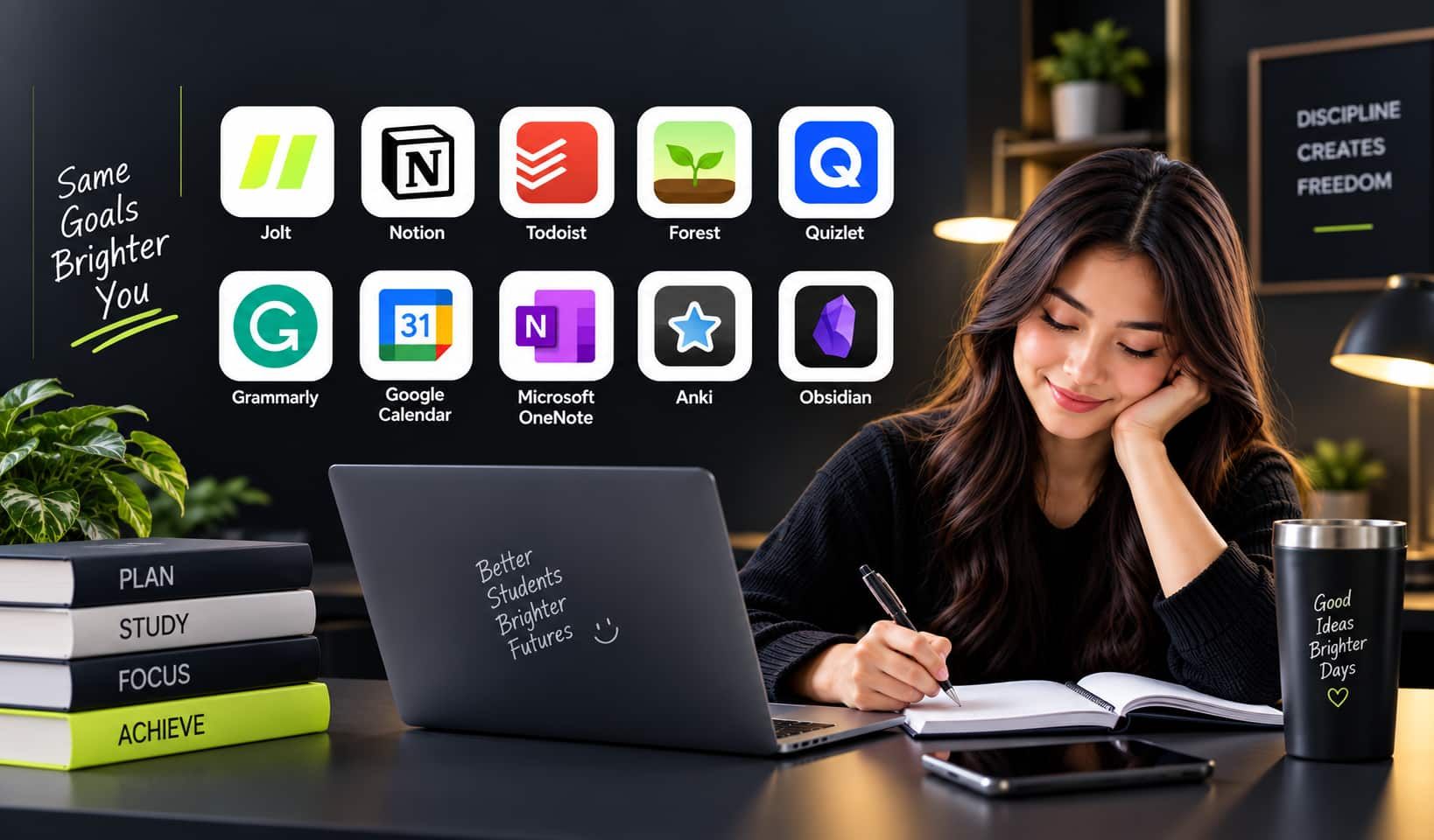
Jolt offers these features and more, helping users break free from unproductive screen time and improve their focus and productivity for better life balance.
Frequently Asked Questions
- How does a screen time tracking app work?
Most screen time tracking apps run quietly in the background and record how long you use your phone or computer. They track the time spent on each app or website, and some can detect when you are inactive. This information is shown in clear reports that help you understand your daily, weekly, or monthly screen habits.
- Can screen time trackers help improve productivity?
Yes. By revealing how much time you spend on distracting apps, these tools encourage better focus. Studies show that workers who use time and screen tracking apps can improve their productivity by up to 15%, as they identify and reduce time wasted on social media and other distractions.
- Do screen time tracking apps protect my privacy?
Good screen time apps include privacy features to protect your data. Some use anonymization or limit screenshots, and many let you control what is tracked and who can see the data. It is important to choose apps with transparent privacy policies, especially for workplace or family use.
- Can I use a screen time tracker across multiple devices?
Yes. Many apps offer compatibility with various devices like smartphones, tablets, and computers. They sync your screen data, so you get a full picture of your screen time no matter which device you are using.
- Do screen time apps also help with reducing screen use?
Most screen time trackers include tools to set daily limits for apps, schedule focused work sessions, and remind you to take breaks. These features help you build healthier habits, reduce distractions, and protect your focus, which improves overall productivity and well-being.

 Download Now
 Take charge of your time